Wi-Fi Access Point Installation Los Angeles

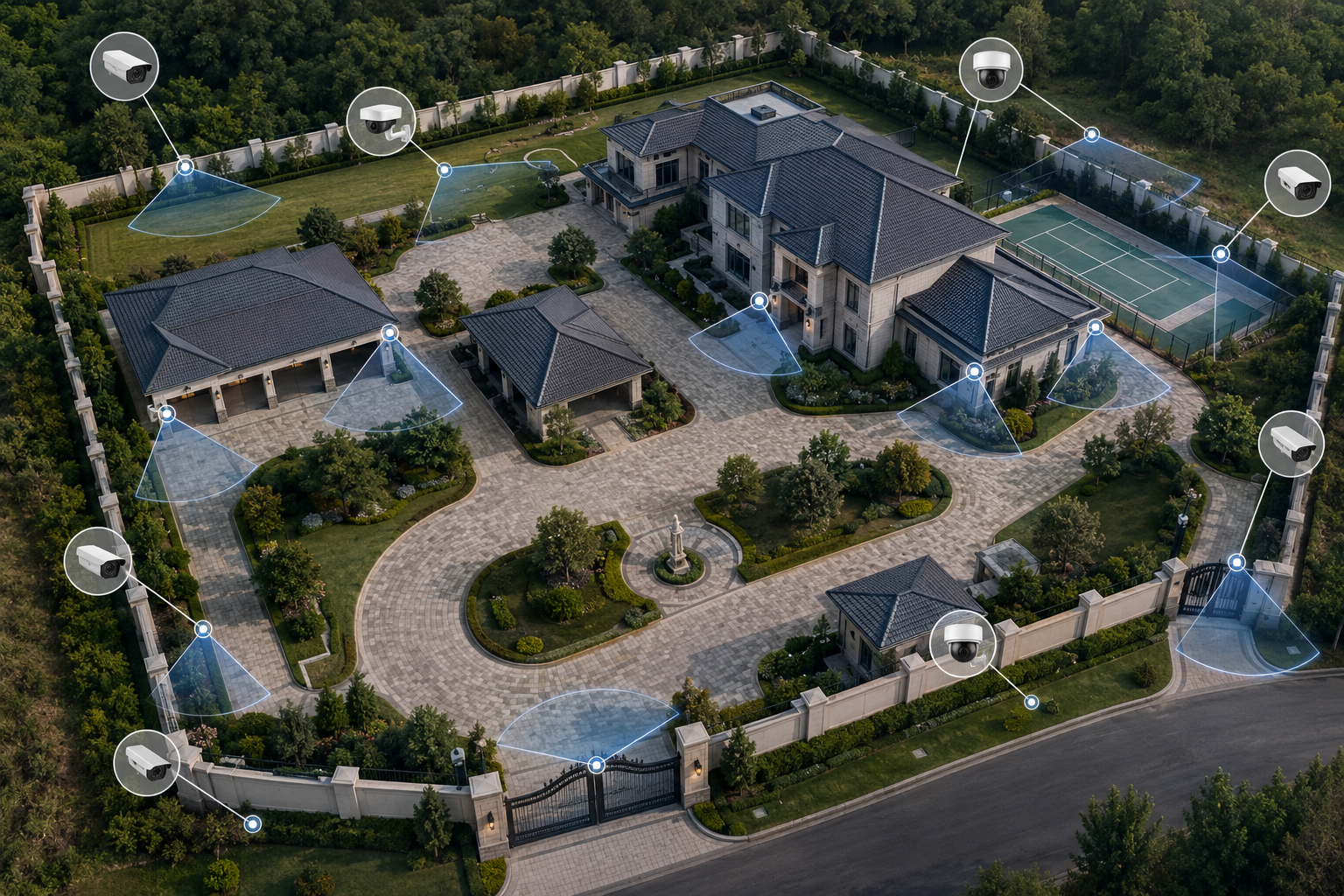
For Wi-Fi access point installation Los Angeles properties, coverage, wired backhaul, PoE switching, and camera connectivity should be planned together.

Wi-Fi and access point installation supports CCTV systems, remote viewing, business networks, and property coverage where reliable connectivity matters.

This page should stay tied to camera system performance: network coverage, remote viewing, wireless bridges, access points, and the cabling needed to support them.
Request a Wi-Fi Access Point Quote

Overview video for Wi-Fi access point installation, network coverage planning, camera connectivity, remote viewing, and property-wide reliability.

What this system does

Wi-Fi access points help extend reliable network coverage for cameras, staff devices, remote viewing, and connected security equipment.

A CCTV network may include wired cameras, wireless coverage, outdoor access points, PoE switches, structured cabling, NVR storage, and access control equipment.

Where it fits in a complete CCTV installation

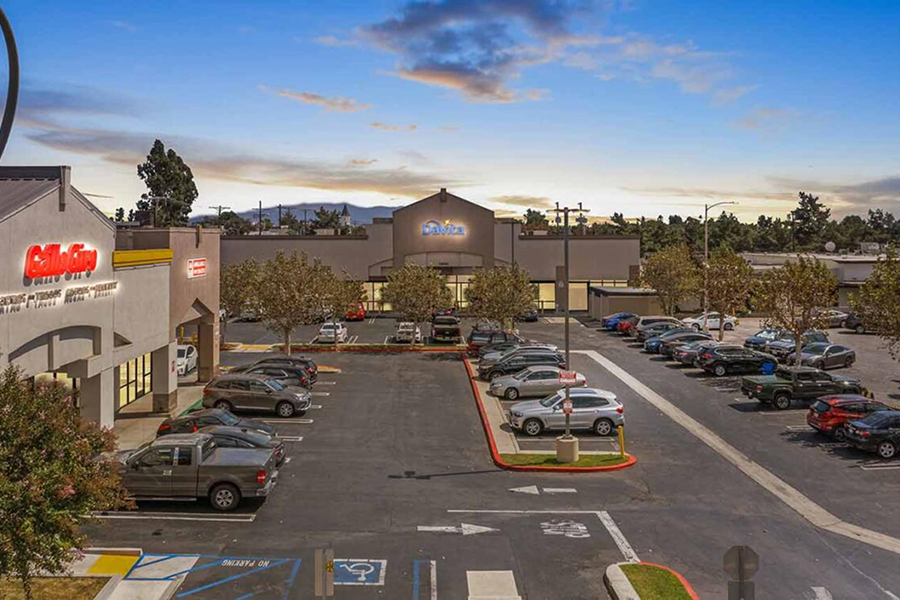
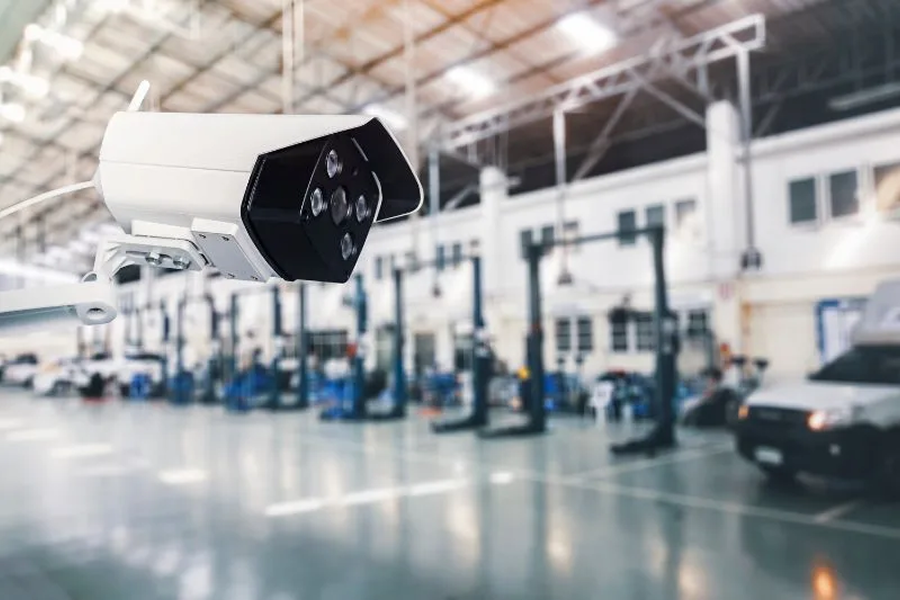
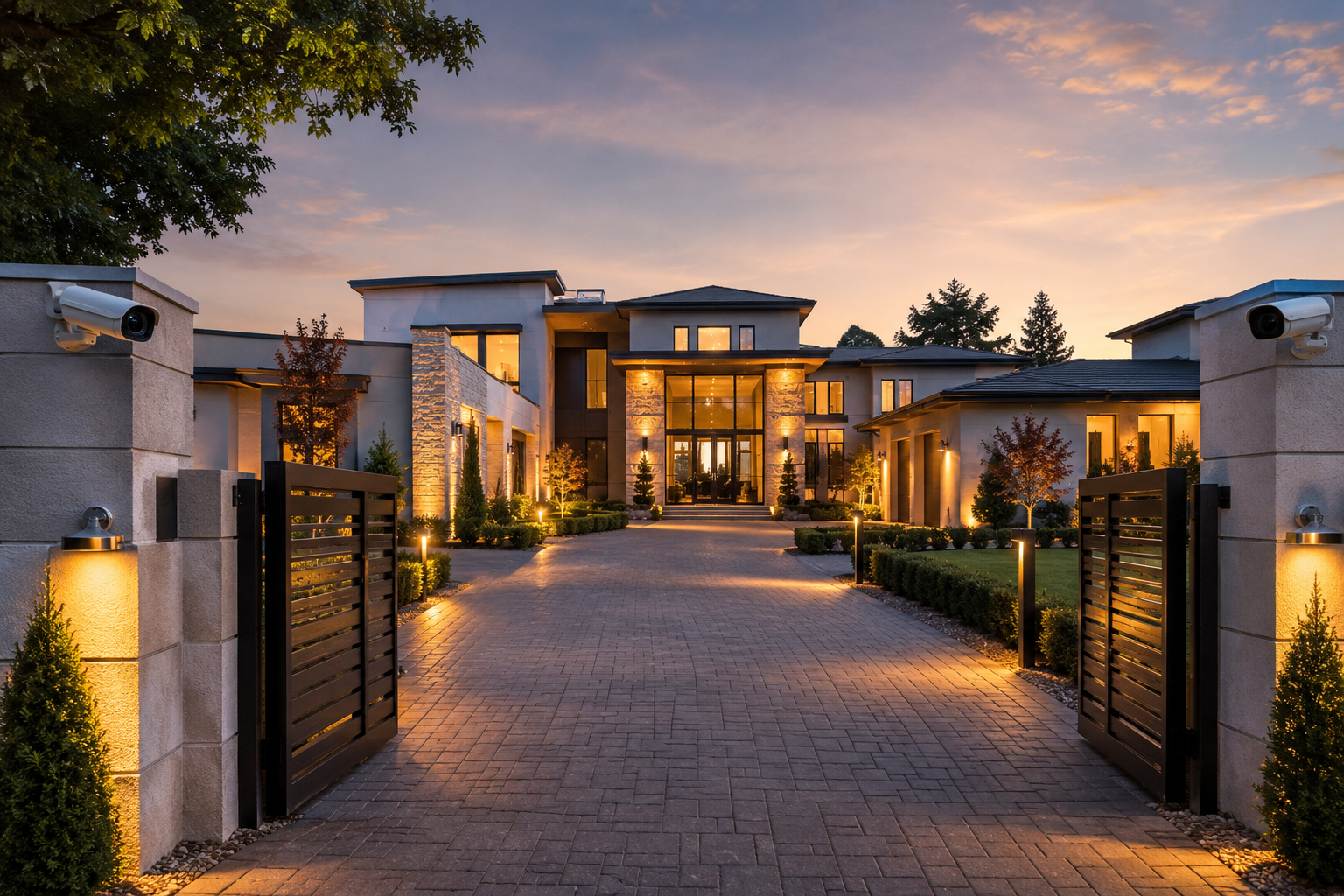
Wi-Fi and access points can support offices, warehouses, apartment buildings, estates, parking areas, commercial buildings, and locations where cameras or users need better network coverage.

They often work with IP cameras, 4K IP cameras, NVR systems, structured cabling, and access control.

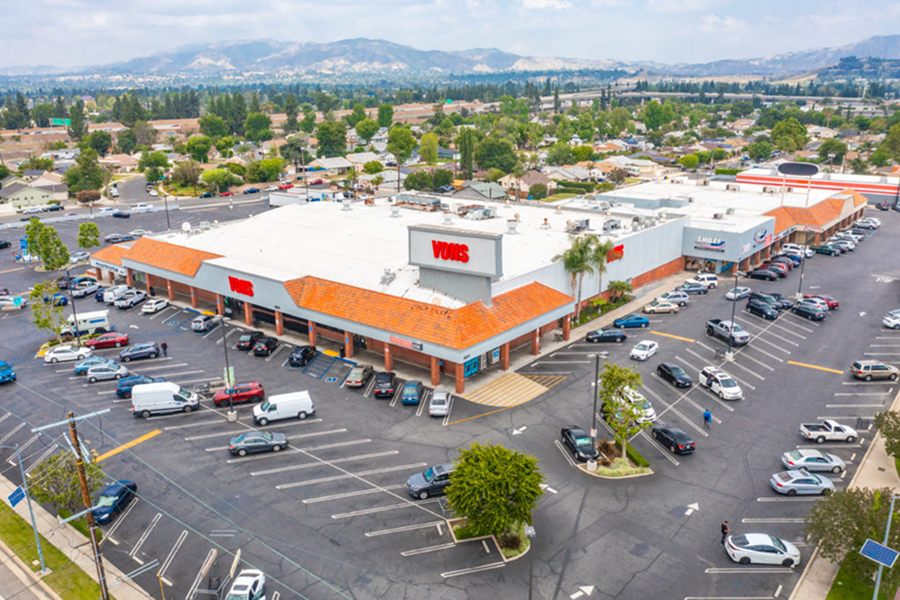
Sample networked camera footage

Reliable video depends on the network behind it. Access point placement, wired backhaul, signal coverage, PoE switching, and recorder connection all affect whether cameras and remote viewing work consistently.

Sample networked camera footage showing why access point placement, wired backhaul, signal coverage, and recorder connectivity matter.

How to plan this system for a real property

Each installation should be planned around the property, the equipment, the viewing goals, and the way the owner needs to use the system after installation.

1. Equipment requirements

Choose access point locations, wired backhaul, PoE switching, outdoor coverage, wireless bridges, network handoff, and equipment mounting based on the property.

2. Property conditions

Review walls, distance, exterior areas, camera locations, office coverage, parking areas, equipment rooms, and places where signal drops matter.

3. Integration needs

Connect access points with structured cabling, IP cameras, recorders, access control devices, switches, and remote viewing requirements.

Commercial Properties

Our team has extensive experience configuring and installing security camera systems for many types of commercial properties. Each property type has different coverage needs, entry points, operating hours, and security priorities. Choose the type of commercial property below to learn more about where this system can fit.

Network Coverage for Remote Camera Locations

This page should show how Wi-Fi, bridges, and remote network support make camera systems work in the spaces that are hard to cable directly.

outdoor access points

Outdoor Access Points

Useful for parking lots, gates, detached buildings, and exterior coverage.

  • Outdoor coverage
  • Wireless reach
  • Remote zones
network bridges

Network Bridges

Helpful where you need connectivity between separated buildings or long spans.

  • Building-to-building
  • Long-range link
  • Remote camera support
remote building connectivity

Remote Building Connectivity

Keeps cameras and access devices online across larger properties.

  • Remote areas
  • Stable connection
  • Property-wide coverage
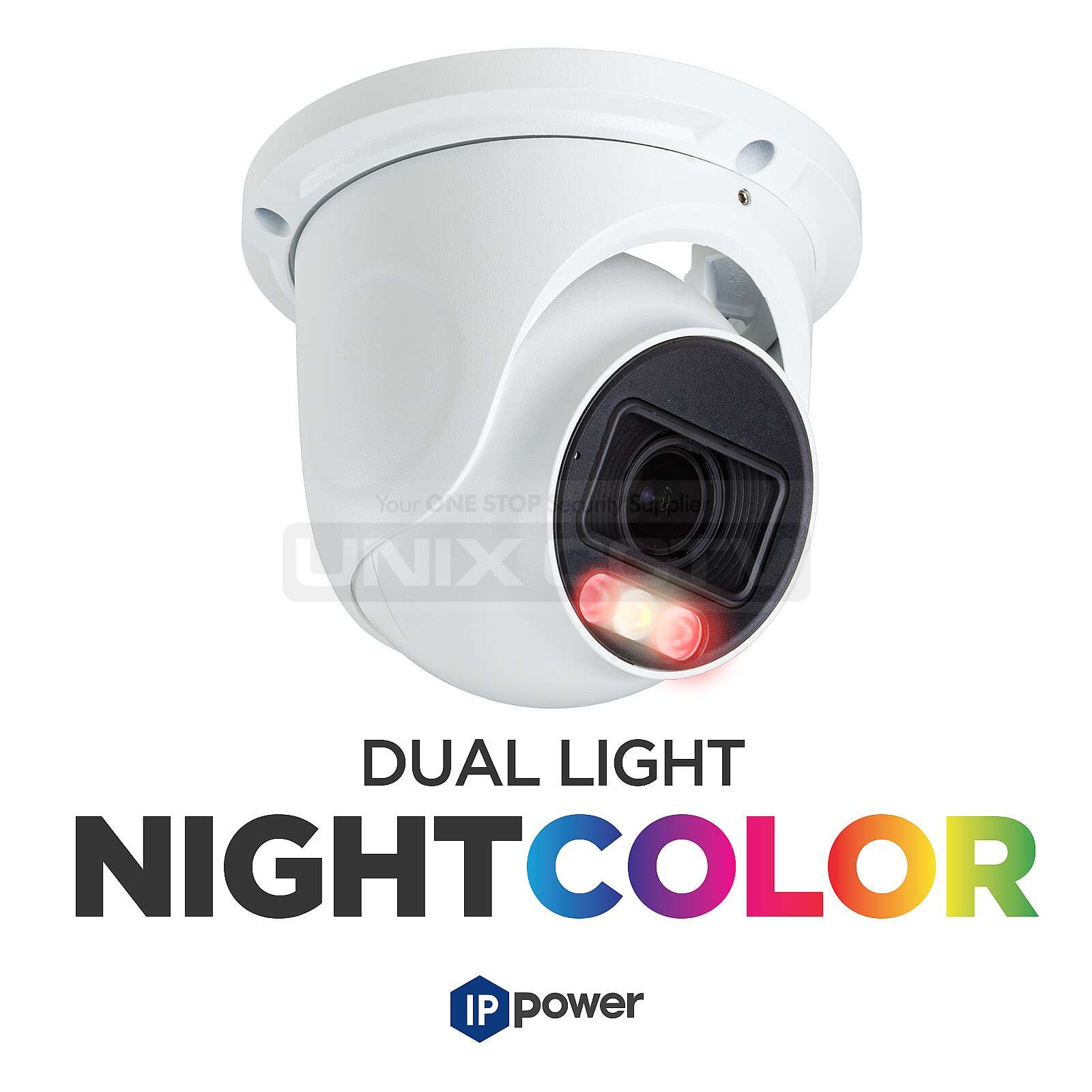
IP camera systems

IP Cameras

The camera family most likely to use the wireless infrastructure.

  • Network cameras
  • PoE / Wi-Fi planning
  • Remote monitoring
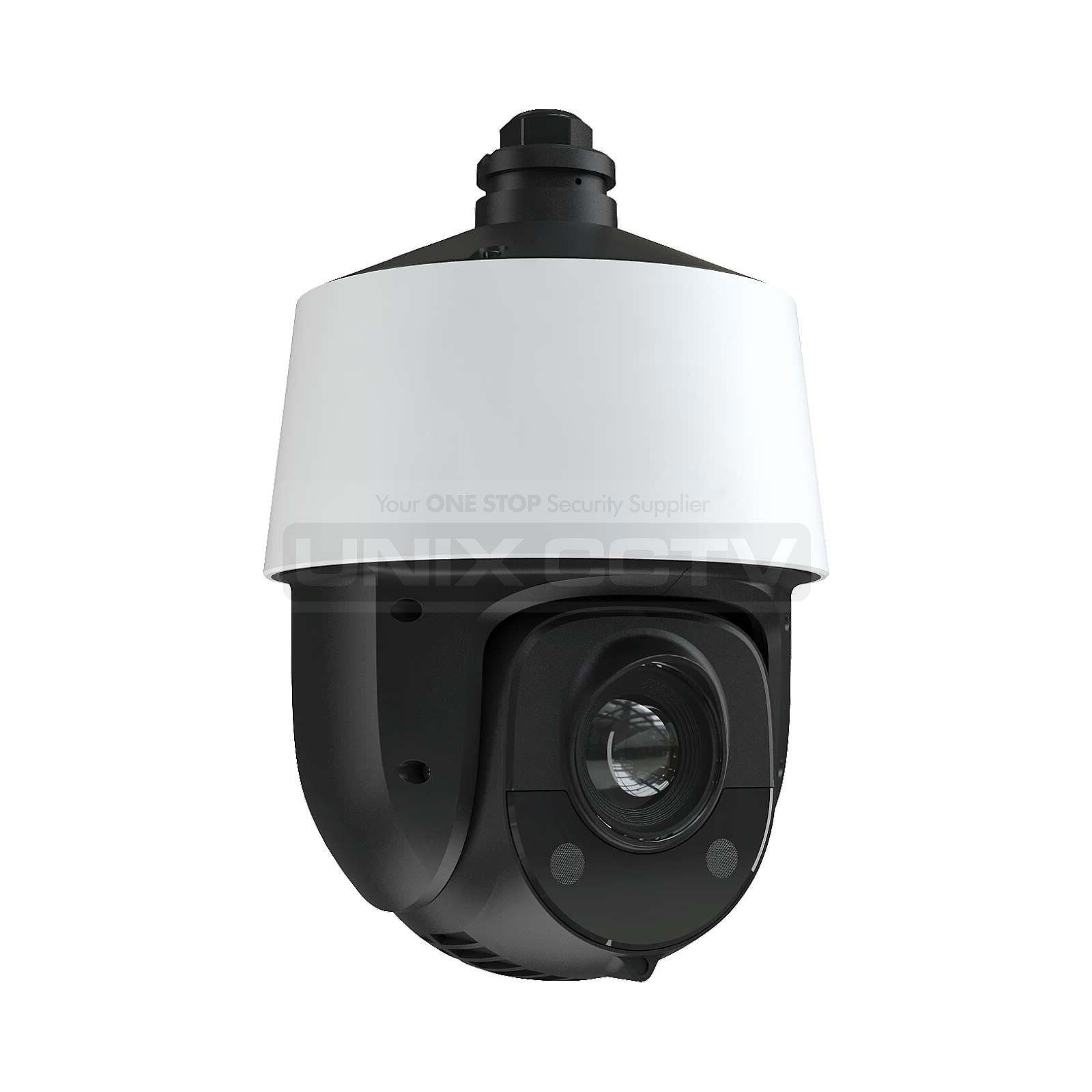
PTZ camera systems

PTZ Cameras

A strong match when a remote zone needs active coverage.

  • Long-range view
  • Active tracking
  • Open areas
remote viewing

Remote Viewing

What property owners and managers want once the network is in place.

  • Mobile access
  • Desktop review
  • Permission control

Wi-Fi Access Point Installation Los Angeles

This page should show how Wi-Fi, bridges, and remote network support make camera systems work in the spaces that are hard to cable directly.

outdoor access points

Outdoor Access Points

Useful for parking lots, gates, detached buildings, and exterior coverage.

  • Outdoor coverage
  • Wireless reach
  • Remote zones
network bridges

Network Bridges

Helpful where you need connectivity between separated buildings or long spans.

  • Building-to-building
  • Long-range link
  • Remote camera support
remote building connectivity

Remote Building Connectivity

Keeps cameras and access devices online across larger properties.

  • Remote areas
  • Stable connection
  • Property-wide coverage
IP camera systems

IP Cameras

The camera family most likely to use the wireless infrastructure.

  • Network cameras
  • PoE / Wi-Fi planning
  • Remote monitoring
PTZ camera systems

PTZ Cameras

A strong match when a remote zone needs active coverage.

  • Long-range view
  • Active tracking
  • Open areas
remote viewing

Remote Viewing

What property owners and managers want once the network is in place.

  • Mobile access
  • Desktop review
  • Permission control

System design checklist

Coverage map

Wi-Fi and access point planning should start with where reliable coverage is actually needed: offices, warehouses, exterior areas, camera locations, gates, patios, parking areas, or remote sections of a property. We avoid placing access points blindly and hoping the signal reaches.

Wired backhaul and PoE

Access points work best when they are supported by structured cabling, PoE switching, and a clean network path back to the equipment area. The goal is stable connectivity for cameras, users, remote viewing, and connected security equipment.

Camera system reliability

Network coverage can affect remote viewing, connected cameras, access control devices, and owner access. We plan the Wi-Fi or access point layout around the camera system instead of treating it like a generic internet add-on.

Request a system walkthrough and installation quote.

Frequently asked questions

When does a property need Wi-Fi access points?

A property may need access points when the existing wireless coverage is weak, when cameras or users are spread across a larger area, or when outdoor or remote sections need more reliable connectivity. For Wi-Fi technology background, see the Wi-Fi Alliance.

Is wired better than wireless for security cameras?

Wired connections are usually preferred for security cameras because they are more stable and easier to support long term. Wi-Fi or wireless links can still be useful in areas where wiring is difficult or where network coverage needs to be extended.

Can access points help with remote viewing?

They can help when weak local network coverage is part of the problem, but remote viewing also depends on the recorder, internet connection, user permissions, and system configuration.

Do access points need structured cabling?

Most professional access point installations work best with wired backhaul and PoE. That is why structured cabling and network planning are usually part of a reliable CCTV network design.