PoE Switches for Security Camera Systems in Los Angeles

PoE switches keep IP cameras, access devices, and network gear powered and connected without turning the installation into a patchwork of injectors and loose power supplies. This page explains how PoE switches fit into real CCTV builds, how the port count and power budget are sized, and why the switch matters long after the cameras are mounted.
Request a PoE Switch Quote

Promo video covering the overall installation process, camera planning, and the infrastructure decisions that support a stable security system.

What this system does

PoE switches are the network backbone for most IP camera systems. They deliver power, carry the video traffic, and help tie together cameras, recorders, wireless bridges, and access devices in a cleaner way.

A good PoE switch plan looks at port count, power budget, uplink requirements, rack space, heat, surge protection, and whether the site needs future room for more cameras or door hardware.

Where it fits in a complete CCTV installation

PoE switches are not a stand-alone add-on. They sit between the cameras, the recorder, the structured cabling, and any remote building links, so the switch has to match the scale and layout of the installation.

Useful internal links for this page include IP cameras, 4K IP cameras, NVR and DVR systems, structured cabling, and Wi-Fi and access points.

Sample PoE switch traffic

Watch how multiple cameras, recorder traffic, and remote viewing all depend on the switching layer staying clean, stable, and properly sized for the property.

This clip is a practical example of the kind of multi-camera traffic a PoE switch has to carry cleanly between the cameras, recorder, and monitoring points.

How to plan PoE switches

A PoE switch is not just a part number. The right switch depends on camera count, power draw, uplink needs, rack layout, and whether the owner expects the system to grow later.

1. Power budget

Count the cameras, access devices, and access points first. Then size the PoE budget so the switch is not overloaded on day one or boxed in when more devices are added later.

2. Uplinks and layout

Look at how the cameras feed back to the NVR, how many uplinks are needed, and whether the switch belongs in a compact wall cabinet or a larger rack.

3. Future growth

Leave room for additional cameras, detached structures, and higher retention goals so the network backbone supports expansion instead of forcing a rebuild.

Commercial Properties

Commercial jobs often need PoE switching that can support grouped camera runs, longer uplinks, reception-area coverage, and future additions without turning the network closet into a mess.

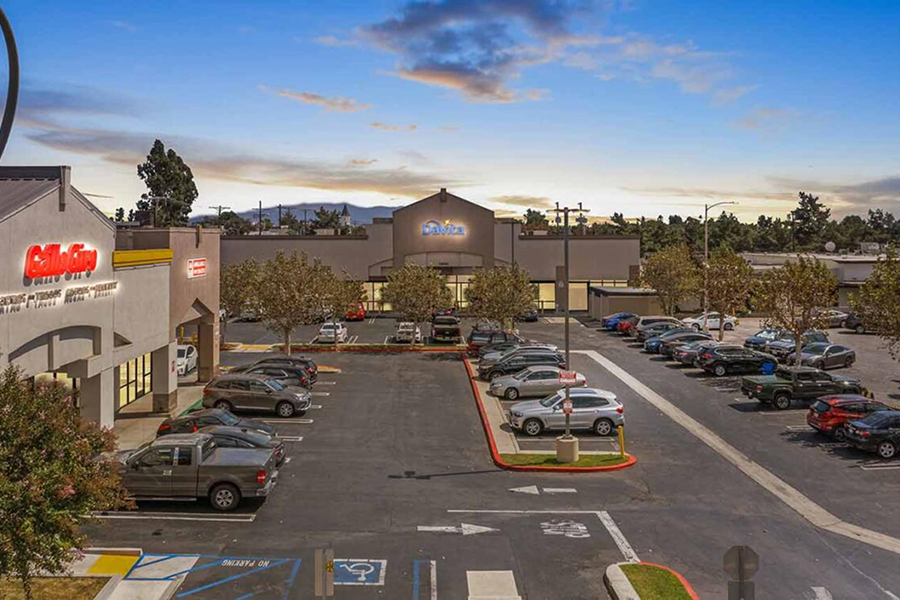
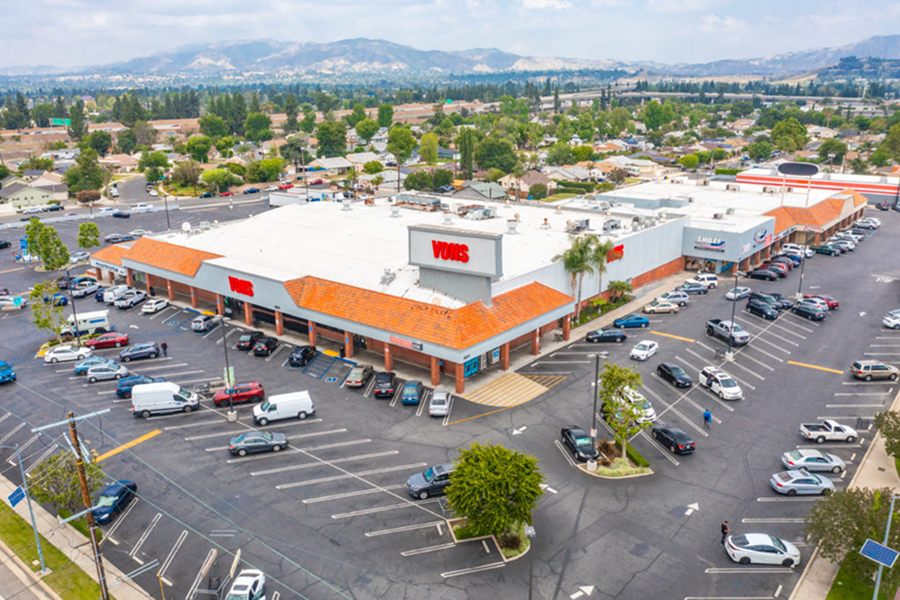
shopping center security camera installation with PoE switching

Shopping Centers

Shopping centers usually need switch capacity for storefront cameras, parking rows, loading zones, and entry points that all feed back into one organized recorder plan.

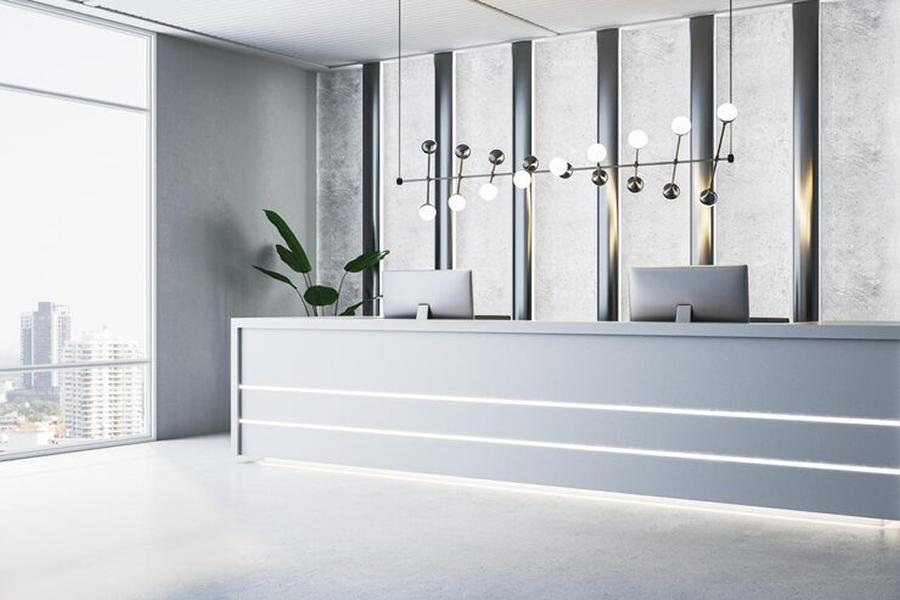
office building security camera installation with PoE network switching

Office Buildings

Office buildings often rely on PoE switching to keep lobby cameras, stairwells, reception areas, and parking coverage on a cleaner network backbone.

parking lot security camera installation with PoE switch support

Parking Lots

Parking-lot systems often need switch planning that can handle long camera rows, uplinks back to the recorder, and room for future perimeter coverage.

Industrial Properties

Industrial properties usually stretch the switch plan harder with detached buildings, longer cable runs, higher camera counts, and equipment racks that need to stay organized and serviceable.

warehouse security camera installation with PoE switching

Warehouses

Warehouse camera systems depend on switches that can support dock coverage, long aisles, rack rows, and remote corners without unstable power or messy uplinks.

distribution center security camera system with managed PoE switches

Distribution Centers

Distribution centers often need more ports, stronger uplinks, and cleaner rack planning so cameras, recorders, and network equipment all stay serviceable.

manufacturing plant security camera system with uplink and PoE planning

Manufacturing Plants

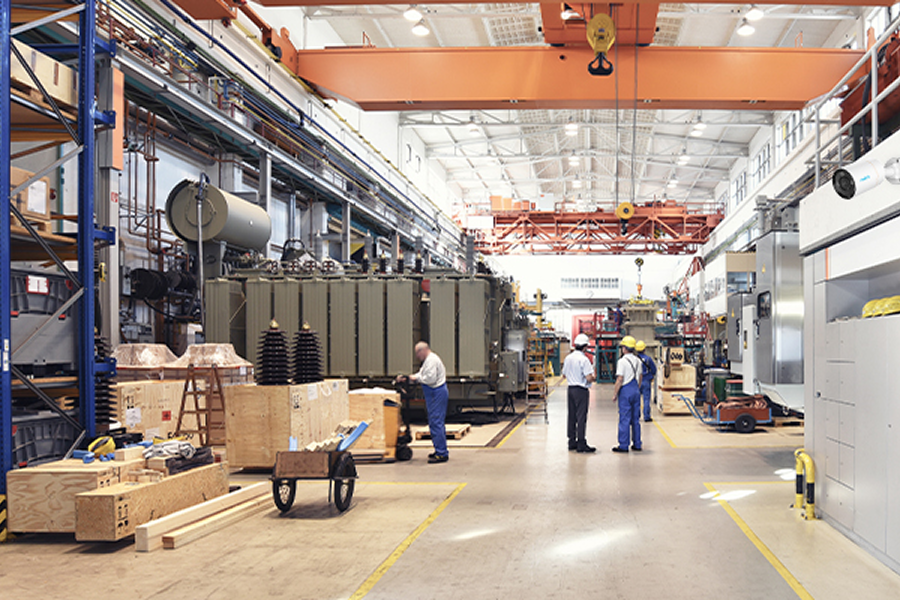
Manufacturing properties often need PoE switching that accounts for floor coverage, yard cameras, and future additions without overloading a single closet.

Residential Properties

Residential systems still benefit from smart switching, especially when the property includes gates, detached garages, long driveway runs, or multiple camera groups that need clean power and remote access.

single family home security camera installation with PoE-powered cameras

Single-Family Homes

Single-family homes can often use compact PoE switching to keep driveway, entry, backyard, and garage cameras powered from one cleaner central point.

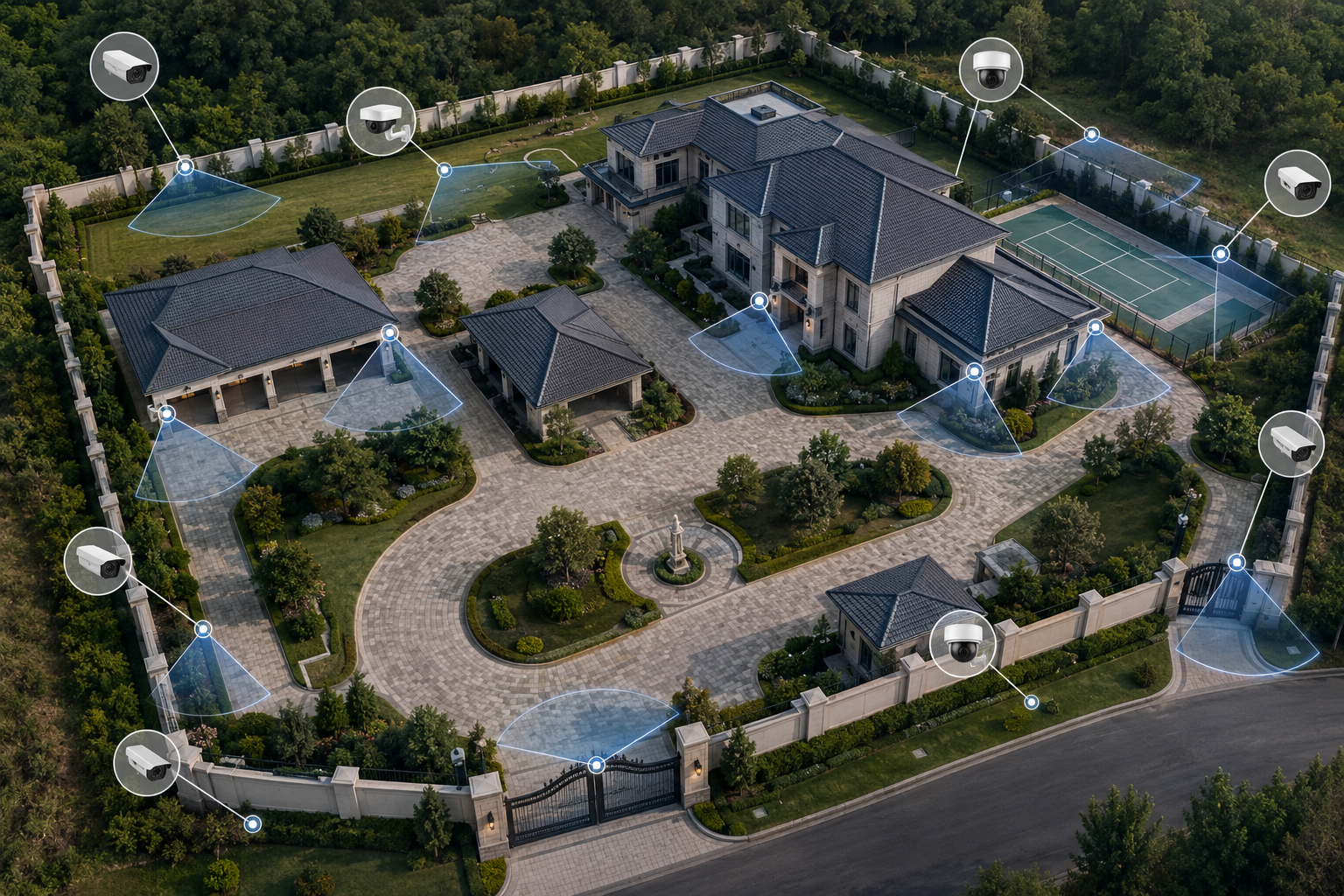
luxury property security camera installation with PoE switch planning

Luxury Properties

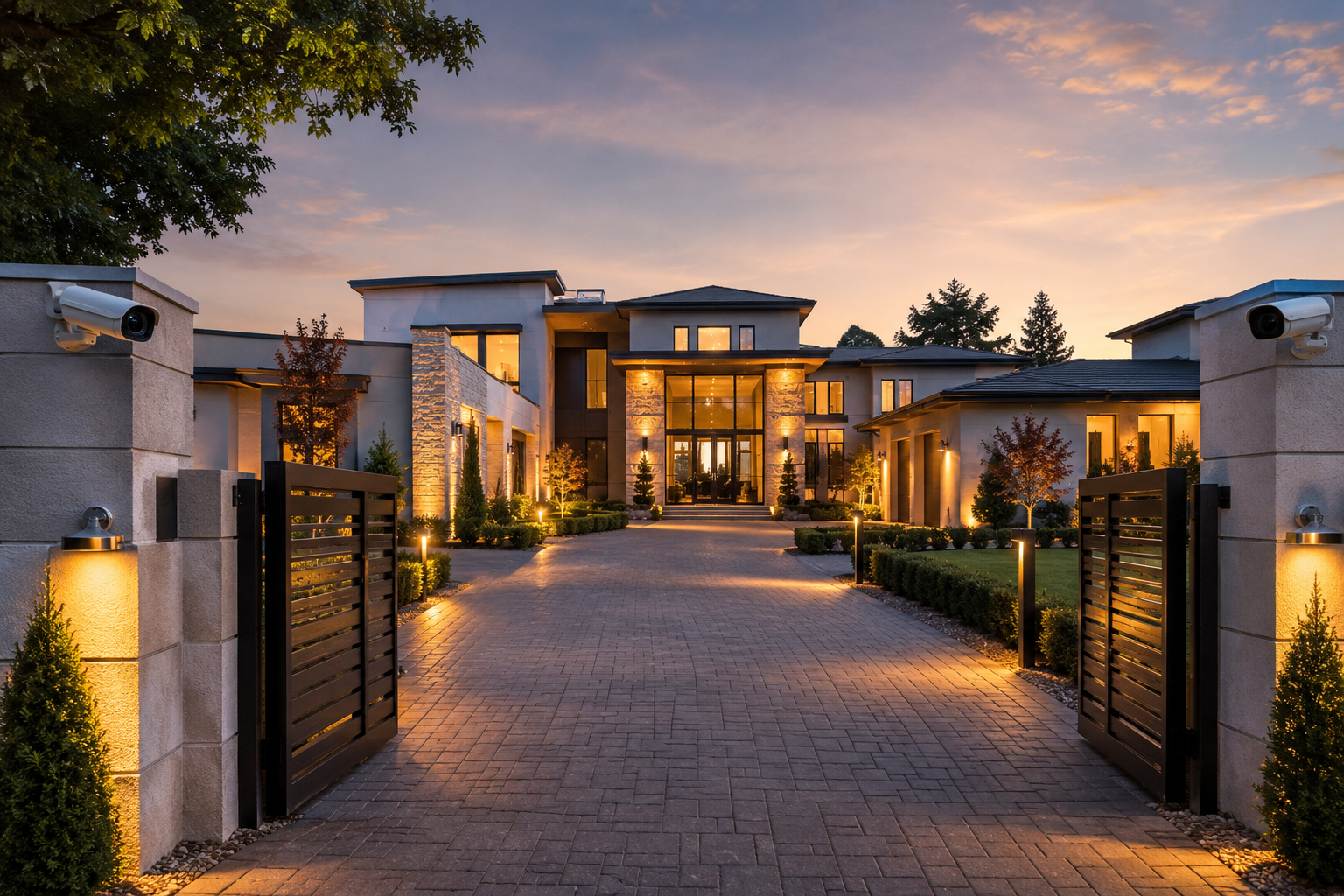
Luxury properties often need a stronger switch plan when gates, perimeter cameras, guest areas, and remote app access all need to stay stable together.

compound security camera installation with long-run PoE switching

Compounds

Compounds usually need more thoughtful switching because the camera layout spans longer runs, wider grounds, and multiple coverage zones.

Recommended PoE Switches

Use these switch options to show how the port count, power budget, recorder size, and cable plan are matched to the system instead of guessed on install day.

6-port gigabit PoE switch

6-Port Gigabit PoE Switch, AI Functions

A compact switch for smaller camera groups, detached entries, or short runs where a modest power budget is enough.

  • Small-system fit
  • Compact rack or wall placement
  • Good for limited camera counts
20-port gigabit PoE switch

20-Port Gigabit PoE Switch, AI Functions

A practical mid-size switch when the property needs more cameras, more uplinks, and a cleaner consolidated power plan.

  • More ports for growth
  • Better uplink flexibility
  • Fits medium-size systems
52-port gigabit PoE switch

52-Port Gigabit PoE Switch

Built for larger systems where higher camera counts, stronger uplinks, and more organized rack planning matter.

  • Large PoE budget
  • High device count
  • Better fit for larger racks
16-channel NDAA-compliant smart NVR

16CH NDAA-Compliant Smart NVR

A strong recorder match for smaller camera systems built around compact switch stacks.

  • Centralized recording
  • Remote viewing
  • Smaller system fit
32-channel 8MP face recognition NVR

32CH 8MP Face Recognition NVR

Useful when the switching plan also has to support more channels and smarter event review.

  • Higher channel count
  • Analytics-ready
  • RAID support
structured cabling for CCTV systems

Structured Cabling for CCTV Systems

The switch only works as well as the cabling paths, terminations, and low-voltage planning behind it.

  • Clean cable paths
  • Better terminations
  • Reliable power delivery

System design checklist

Power and port count

Match the switch to the number of cameras, the PoE draw, and the device mix so the system stays stable once everything is live.

Recorder and uplinks

Plan the switch around the NVR, uplink capacity, and traffic flow so playback, exports, and remote viewing are not fighting the camera streams.

Rack and cable layout

Keep the switch, cabling, rack space, surge protection, and future expansion organized so the system is easier to service later.

Request a system walkthrough and installation quote.

Frequently asked questions

Why do PoE switches matter in a security camera system?

PoE switches matter because they do two jobs at once: they power the cameras and they carry the network traffic back to the recorder. A weak switch can create power issues, bottlenecks, or future expansion problems even when the cameras themselves are good.

How do you size a PoE switch for a camera installation?

The switch should be sized around the number of devices, the total power draw, the uplink needs, and how much room the property needs for future cameras or access devices. A small storefront and a multi-building property should not be planned the same way.

Can one PoE switch power cameras, access control, and access points together?

In many cases, yes. The important part is making sure the switch has the right power budget, the right port count, and a clean network design so cameras, access points, and door hardware do not compete for resources unexpectedly.

When does a system need a larger switch or multiple switches?

Larger properties, long camera rows, detached buildings, or systems with many cameras often need multiple switches or a larger rack-mounted switch. That makes the installation easier to service and leaves room for expansion later.