Security Camera Installation Los Angeles

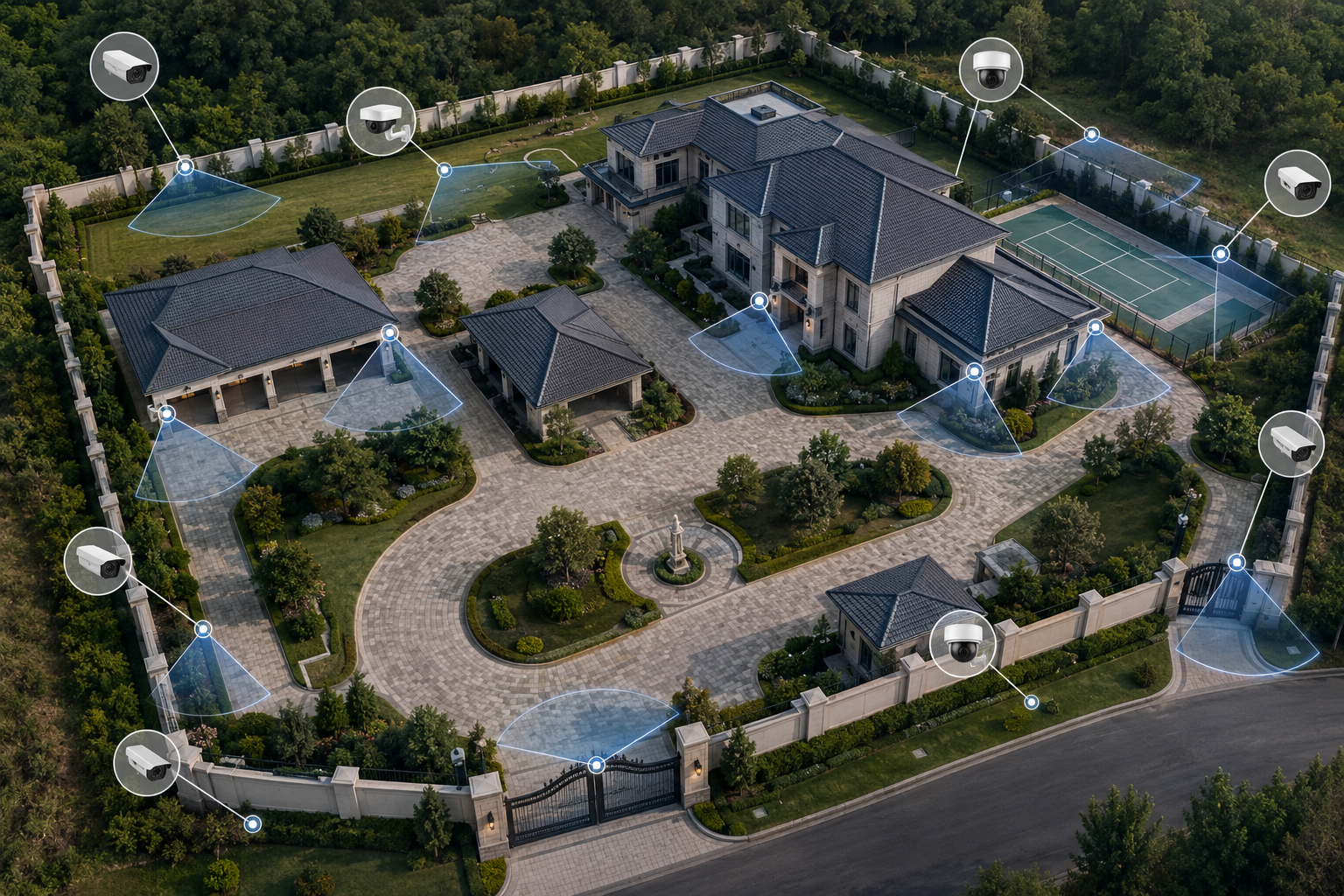
For security camera installation Los Angeles customers, the right system starts with property layout, coverage goals, cabling, recording, and user access.

Security camera installation is the broad service page for customers who know they need a camera system but may not yet know which cameras, recorders, cabling, displays, or access control components are required.

This page should quickly help a visitor understand the full installation process: equipment selection, camera placement, cabling, recording, remote viewing, display setup, and the next step to request a walkthrough or quote.
Request a Security Camera Installation Quote

Overview video for security camera installation, system design, camera placement, low-voltage cabling, recorder setup, and remote viewing.

What this system does

A professional security camera installation starts with the property layout, coverage goals, camera placement, cable paths, recorder needs, and the way owners or managers will use the system after installation.

LA CCTV Security Cameras installs camera systems for commercial, industrial, and residential properties using practical low-voltage system planning, clean installation, and equipment matched to the job.

Where it fits in a complete CCTV installation

This page should route customers into the right system: IP cameras, 4K IP cameras, LPR cameras, PTZ cameras, AI cameras, NVR/DVR recording, cabling, Wi-Fi access points, monitors, and access control.

Useful next steps include IP camera installation, 4K IP cameras, NVR and DVR systems, structured cabling, and access control.

Sample security camera footage

This sample footage shows why camera placement, lens choice, lighting, and recorder settings matter. A professional installation should produce video that is easy to review when something happens, not just cameras mounted on a wall.

Sample security camera footage showing why professional placement, lens selection, lighting, and recorder setup matter for useful video review.

How to plan this system for a real property

Each installation should be planned around the property, the equipment, the viewing goals, and the way the owner needs to use the system after installation.

1. Equipment requirements

Select camera models, recorder size, storage retention, displays, network gear, access control hardware, cabling, and mounting equipment based on the property.

2. Property conditions

Review entrances, exits, parking, inventory areas, loading zones, lobbies, hallways, gates, exterior walls, and any areas that need clearer recorded footage.

3. Integration needs

Tie the cameras into recorders, network equipment, structured cabling, access control, monitor displays, and user access so the system is usable after installation.

Commercial Properties

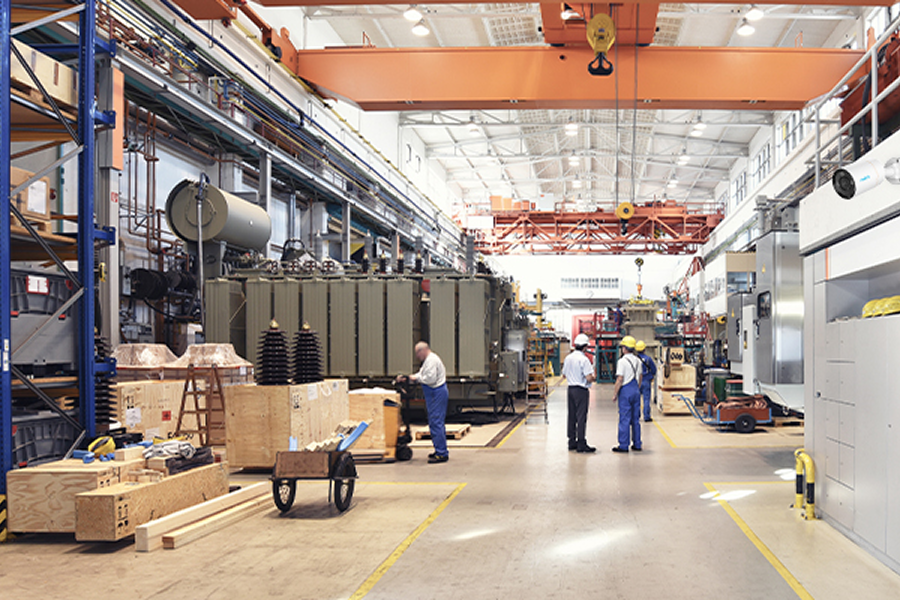
Our team has extensive experience configuring and installing security camera systems for many types of commercial properties. Each property type has different coverage needs, entry points, operating hours, and security priorities. Choose the type of commercial property below to learn more about where this system can fit.

Complete Security Camera System Equipment

This page should show the main camera, recorder, and infrastructure pieces that make a complete installation work in the field.

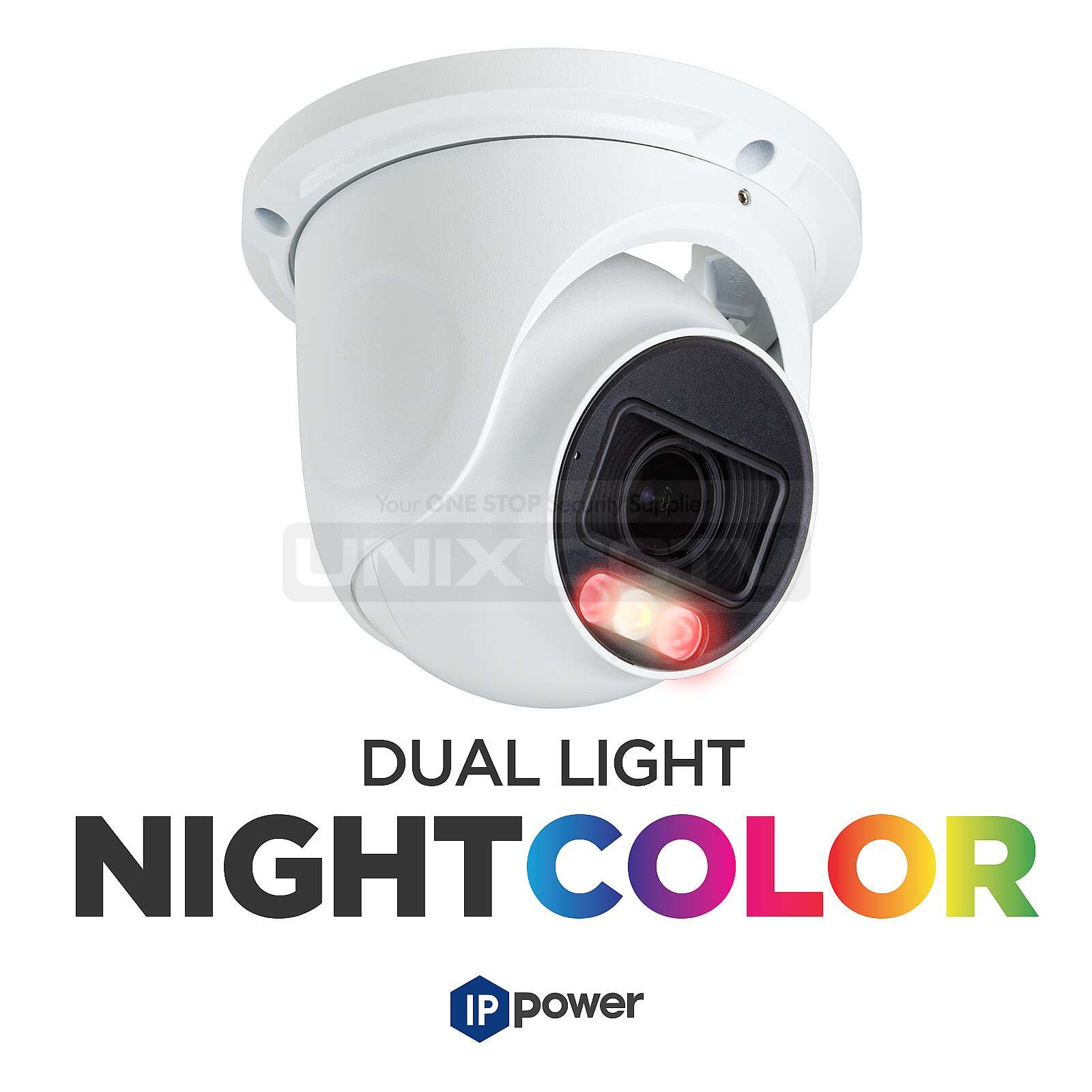
8MP dual-light turret camera with VF motorized lens

8MP Dual-Light Turret Camera, VF Motorized Lens, NDAA

A flexible camera for entrances, parking, and exterior walls.

  • Motorized lens
  • Dual-light performance
  • Outdoor coverage
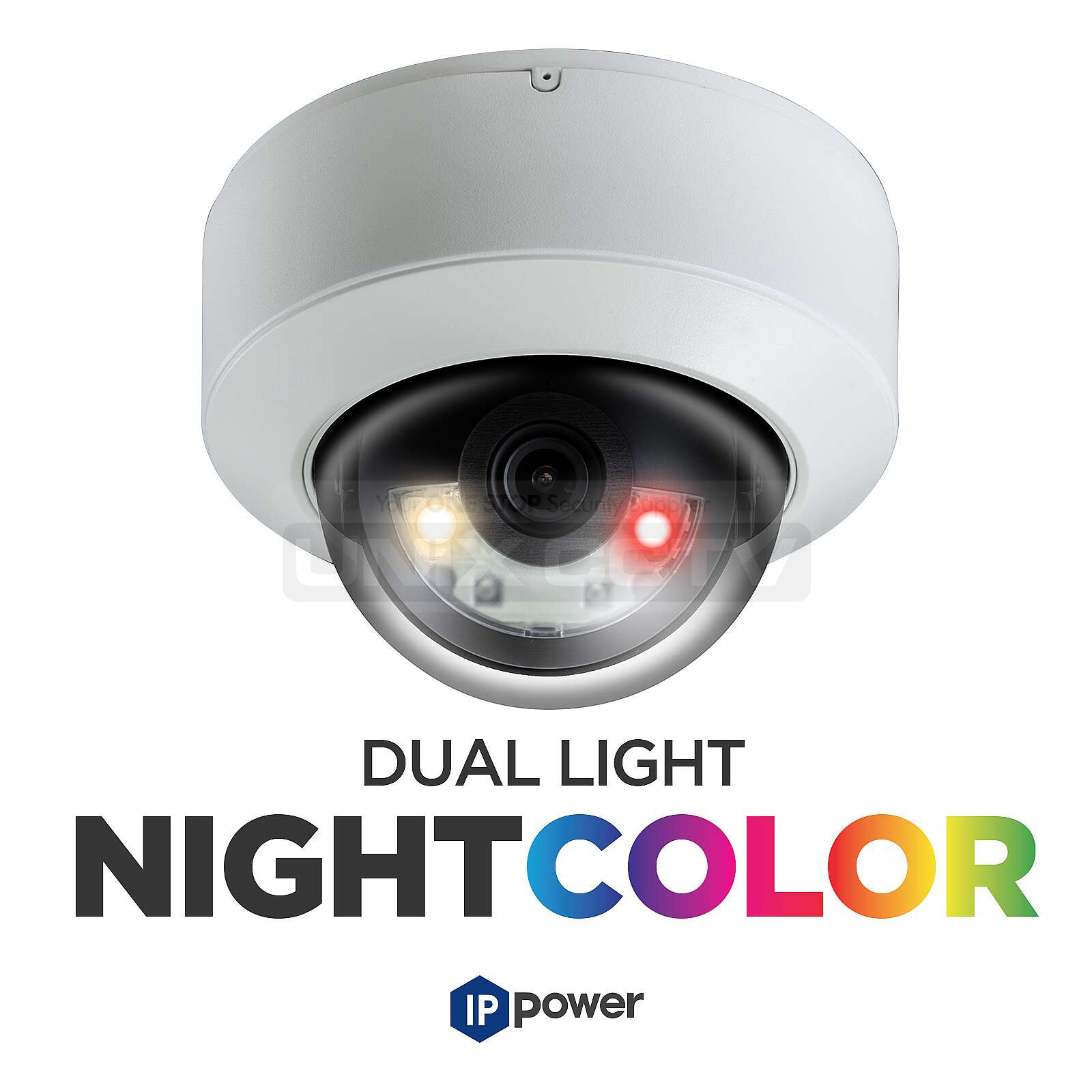
8MP dual-light dome camera with 2.8mm fixed lens

8MP Dual-Light Dome Camera, 2.8mm Fixed Lens, NDAA

Useful for cleaner interior or entry coverage.

  • Compact housing
  • Clean appearance
  • Day and night coverage
16-channel NDAA-compliant smart NVR

16CH NDAA-Compliant Smart NVR

A core recorder option for standard system installs.

  • Centralized storage
  • Remote viewing
  • Future expansion
8MP dual-light dome camera with 2.8mm fixed lens

8MP Dual-Light Dome Camera, 2.8mm Fixed Lens, NDAA

Useful when the install needs nearby entry coverage and a cleaner exterior look.

  • Low-profile housing
  • Low-light visibility
  • Entry support
6-port gigabit PoE switch

6-Port Gigabit PoE Switch, AI Functions

Practical for smaller system builds.

  • Managed power
  • Compact footprint
  • Good for CCTV
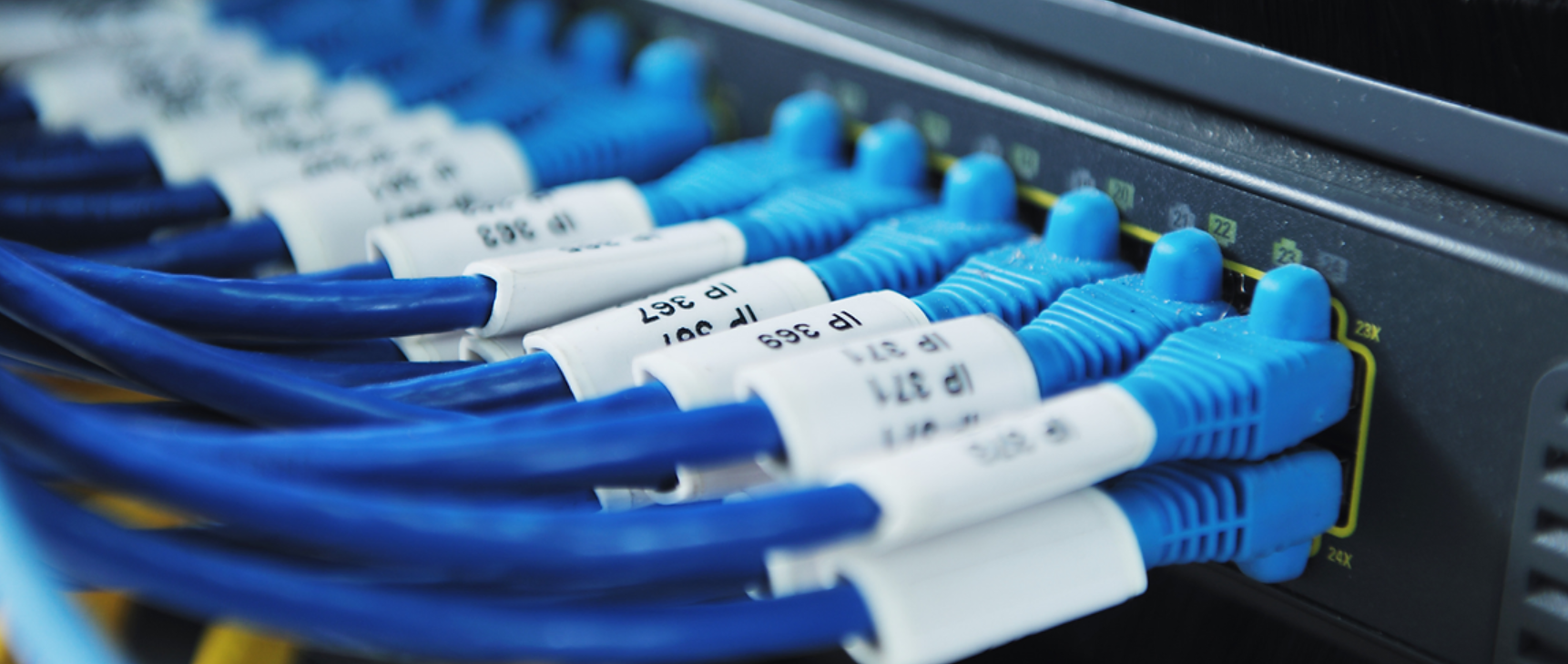
structured cabling for CCTV systems

Structured Cabling for CCTV Systems

The low-voltage base that ties the system together.

  • Cable paths
  • Power planning
  • Install reliability

Security Camera Installation Los Angeles

This page should show the main camera, recorder, and infrastructure pieces that make a complete installation work in the field.

8MP dual-light turret camera with VF motorized lens

8MP Dual-Light Turret Camera, VF Motorized Lens, NDAA

A flexible camera for entrances, parking, and exterior walls.

  • Motorized lens
  • Dual-light performance
  • Outdoor coverage
8MP dual-light dome camera with 2.8mm fixed lens

8MP Dual-Light Dome Camera, 2.8mm Fixed Lens, NDAA

Useful for cleaner interior or entry coverage.

  • Compact housing
  • Clean appearance
  • Day and night coverage
16-channel NDAA-compliant smart NVR

16CH NDAA-Compliant Smart NVR

A core recorder option for standard system installs.

  • Centralized storage
  • Remote viewing
  • Future expansion
8MP dual-light dome camera with 2.8mm fixed lens

8MP Dual-Light Dome Camera, 2.8mm Fixed Lens, NDAA

Useful when the install needs nearby entry coverage and a cleaner exterior look.

  • Low-profile housing
  • Low-light visibility
  • Entry support
6-port gigabit PoE switch

6-Port Gigabit PoE Switch, AI Functions

Practical for smaller system builds.

  • Managed power
  • Compact footprint
  • Good for CCTV
structured cabling for CCTV systems

Structured Cabling for CCTV Systems

The low-voltage base that ties the system together.

  • Cable paths
  • Power planning
  • Install reliability

System design checklist

Property walkthrough

A professional installation starts with the layout of the property, not a generic equipment package. We look at entrances, parking, lobbies, loading areas, gates, driveways, offices, yards, and any place where usable video would matter later.

System configuration

The final system may include IP cameras, 4K cameras, LPR cameras, PTZ cameras, AI cameras, NVR storage, structured cabling, access control, monitors, and network equipment. The mix depends on the property and the type of leads the business wants.

Installation and handoff

After installation, the system should be aimed, tested, recorded, and explained clearly. Owners and managers should know how to view cameras, review footage, access the recorder, and request service or future expansion.

Request a system walkthrough and installation quote.

Frequently asked questions

What is included in a security camera installation?

A professional installation can include camera planning, equipment selection, low-voltage cabling, mounting, recorder setup, remote access, monitor setup, access control coordination, and final testing. For broader security industry context, see the Security Industry Association.

Do you install cameras for commercial and residential properties?

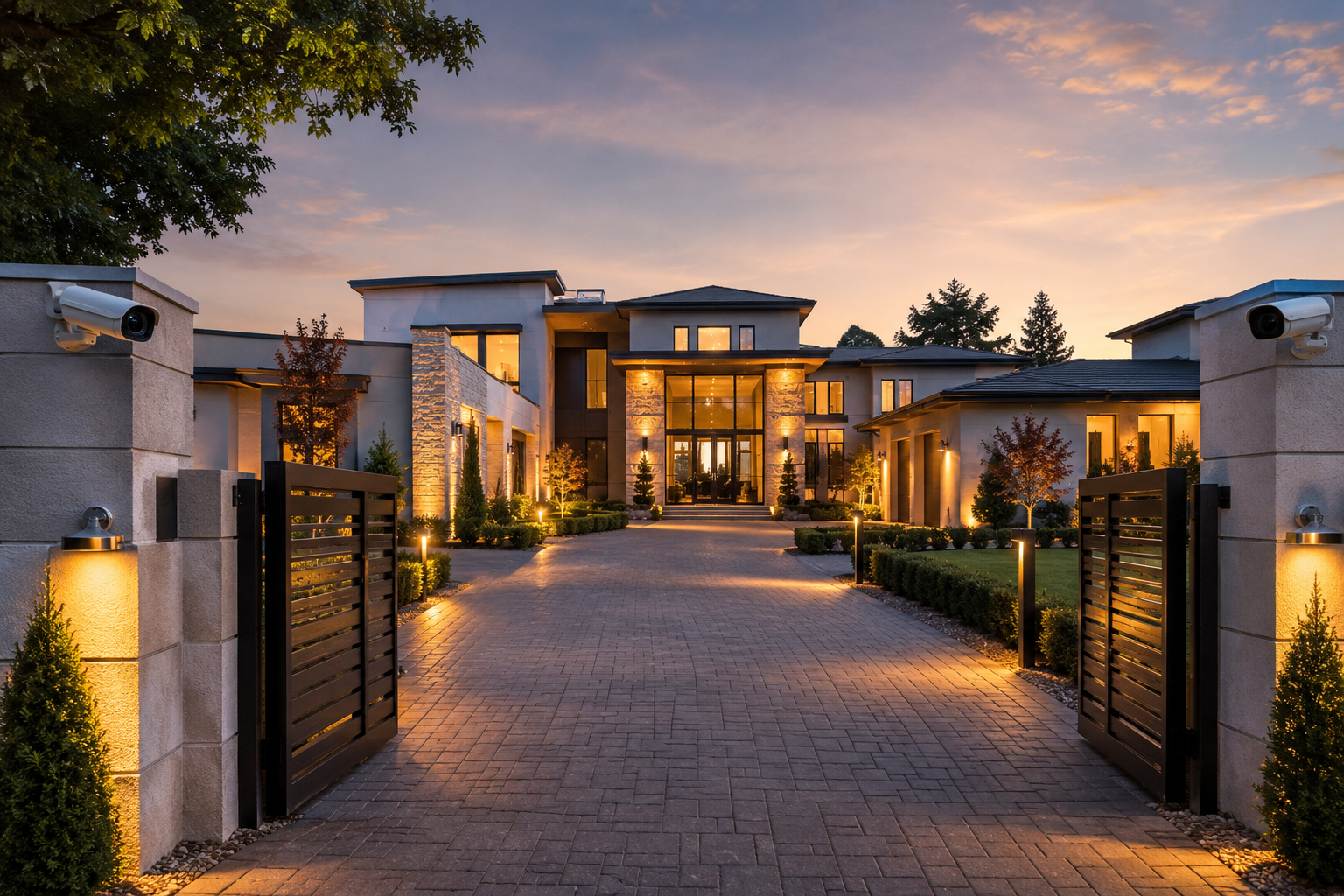
Yes. The same company can handle commercial, industrial, and residential projects, but the design should change based on the property. A warehouse, office, estate, and apartment building all need different coverage priorities.

Can existing cameras be upgraded?

In many cases, yes. Existing cameras, cabling, recorders, and network equipment can be reviewed to decide what can be reused, what should be upgraded, and what needs to be replaced.

How do I know what type of camera system I need?

A walkthrough helps decide whether the property needs 4K IP cameras, LPR cameras, PTZ cameras, AI cameras, access control, structured cabling, or a recorder upgrade.