CCTV Monitors, Racks & Power Los Angeles

For CCTV monitors racks and power Los Angeles installations, the recorder area, displays, cabling, power, and network gear should be organized from the start.

CCTV monitors, equipment racks, and power planning help turn a group of cameras into a usable security system. For larger properties, the viewing and recording setup matters as much as the cameras themselves.

This page should make the equipment-room side of the project feel important: clean recorder placement, monitor viewing, rack organization, network gear, power planning, ventilation, and room for future expansion.

Request a CCTV Equipment Setup Quote

Overview video for CCTV monitor, rack, recorder, power, cabling, and equipment-room planning for professional camera systems.

What this system does

This service covers NVR and DVR placement, monitor displays, network switches, rack organization, power planning, cable management, and the physical equipment area that supports the camera system.

A cleaner equipment setup makes the system easier to service, easier to expand, and easier for owners or staff to use after installation.

Where it fits in a complete CCTV installation

This page supports commercial, industrial, office, warehouse, apartment, and larger residential installations that need more than a simple recorder sitting on a shelf.

It should connect with NVR and DVR systems, structured cabling, 4K IP cameras, access control, and Wi-Fi access points.

Sample camera system footage

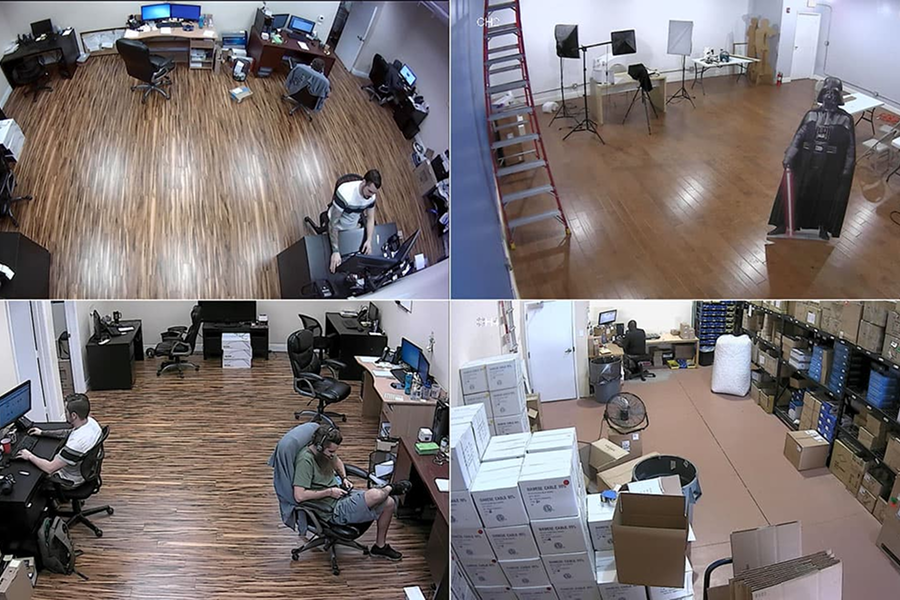
This footage shows why the recorder, monitor, and equipment setup are part of the overall system. Clear video is only useful when it is recorded properly, easy to view, and supported by clean cabling, power, and storage planning.

Sample camera system footage showing why clear recording, monitor viewing, organized cabling, and power planning are part of the full installation.

How to plan this system for a real property

Each installation should be planned around the property, the equipment, the viewing goals, and the way the owner needs to use the system after installation.

1. Equipment requirements

Plan recorder channel count, storage drives, monitor displays, rack location, switches, cable management, ventilation, and power protection.

2. Property conditions

Choose equipment-room locations that are protected, serviceable, close to cabling paths, and practical for the owner or staff who need access.

3. Integration needs

Connect viewing stations with NVRs, structured cabling, access control equipment, Wi-Fi access points, network gear, and future expansion needs.

Commercial Monitoring and Equipment-Room Installs

These examples show where monitors, racks, UPS power, and organized support gear matter most once the camera system is actually in use.

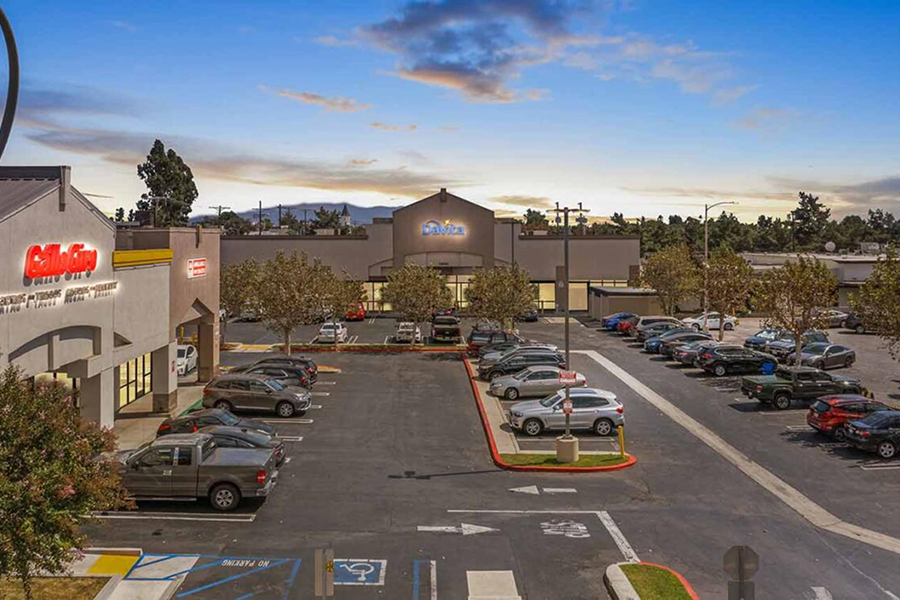
shopping center security camera installation

Shopping Centers

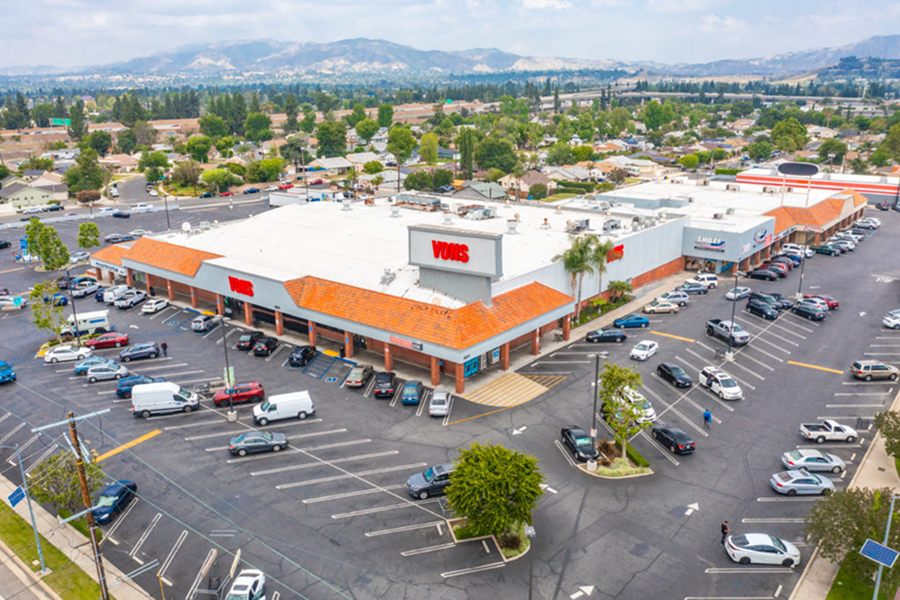
Shopping centers often need cleaner monitoring stations, organized racks, and power backup where several camera zones tie back to one office or security desk.

office building security camera installation

Office Buildings

Office buildings use monitors, racks, and power support where reception, management, or facilities teams need dependable viewing and serviceable equipment rooms.

parking lot security camera installation

Parking Lots

Parking systems often depend on better monitor placement, stable power, and organized rack gear because the footage is reviewed after incidents and after hours.

Industrial Monitoring and Equipment-Room Installs

Industrial sites usually need stronger rack, monitor, and power planning because the recorder room supports a larger camera count and heavier daily use.

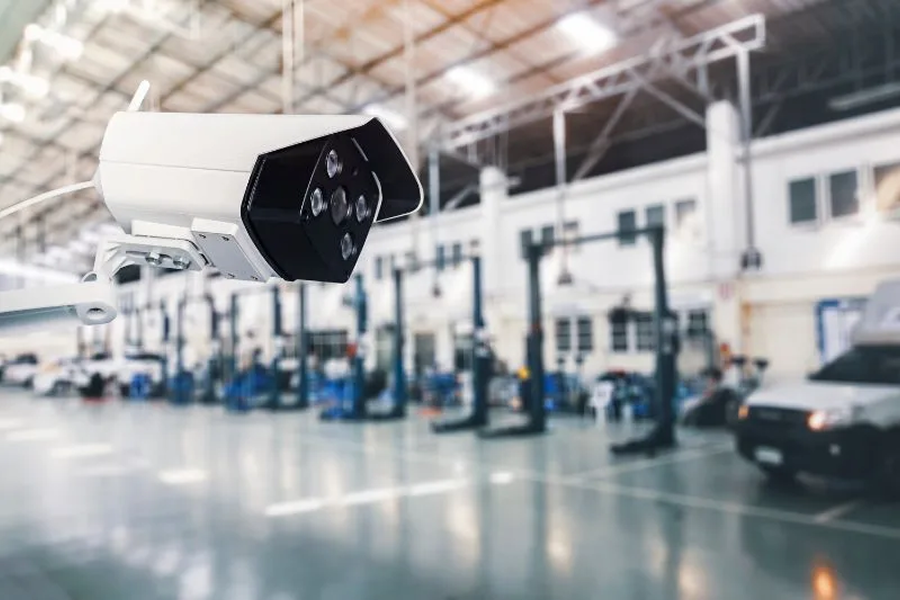
warehouse security camera installation

Warehouses

Warehouses often need cleaner equipment-room organization, viewing stations, and UPS support where several cameras and network devices land in one place.

distribution center security camera installation

Distribution Centers

Distribution centers benefit from better rack layout, monitor planning, and power backup because larger recorder rooms are harder to support casually.

manufacturing plant security camera installation

Manufacturing Plants

Manufacturing plants often need organized equipment rooms and reliable viewing stations where several camera, network, and power pieces need to stay serviceable.

Residential Monitoring and Equipment-Room Installs

Residential support gear matters most where the property needs a cleaner recorder location, easier live viewing, and more dependable power around the security system.

single family home security camera installation

Single-Family Homes

Single-family homes may use a monitor station, UPS, or better rack planning when the recorder and network gear need a cleaner long-term home.

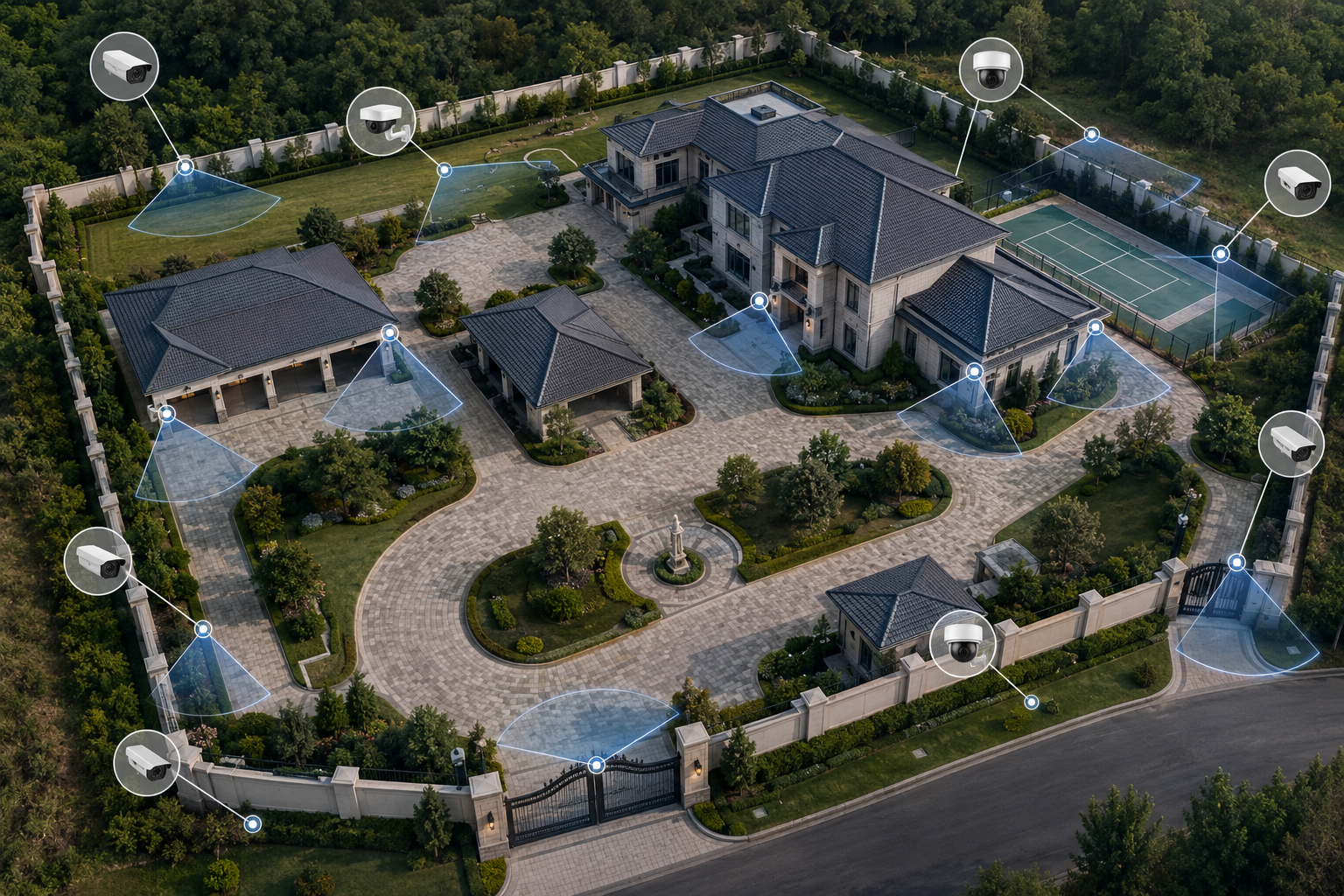
luxury property security camera installation

Luxury Properties

Luxury properties often benefit from cleaner equipment-room organization, power backup, and easier viewing because the system is larger and expected to look finished.

compound security camera installation

Compounds

Compounds usually need better rack, monitor, and power planning because several buildings or wider camera coverage create a more serious support setup.

CCTV Monitors, Racks, and Power Los Angeles

Support infrastructure makes the system usable after the cameras are installed. This page should show the equipment-room side of the job.

equipment racks and cable management

Equipment Racks and Cable Management

Organized rack space and clean cable routing make the system easier to service.

  • Rack planning
  • Cable organization
  • Serviceability
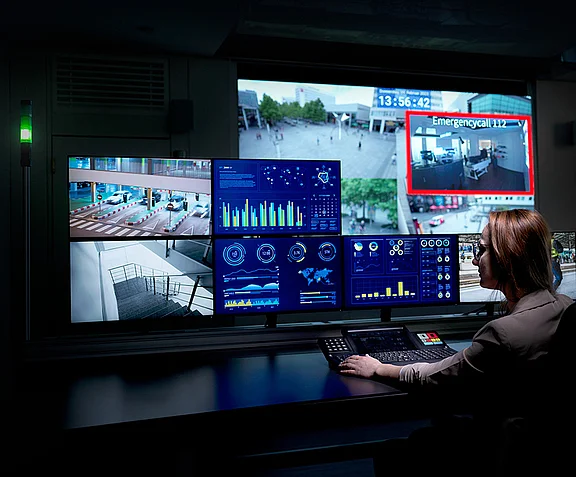
monitor stations

Monitor Stations

Useful for live viewing, reception desks, and local monitoring.

  • Live display
  • Single or multi-camera view
  • On-site monitoring
UPS and power backup planning

UPS / Power Backup Planning

Helps keep the system running through outages and power issues.

  • Backup power
  • Uptime planning
  • Cleaner shutdowns
NVR and DVR systems

NVR/DVR Systems

The storage devices that connect to the support infrastructure.

  • Recording
  • Playback
  • Retention
PoE switches and network equipment

PoE Switches and Network Equipment

Needed to power and connect the equipment room devices.

  • Managed power
  • Network routing
  • Port planning
cable management and patch panels

Cable Management and Patch Panels

Makes future maintenance and expansion much easier.

  • Patch layout
  • Future growth
  • Cleaner service

System design checklist

Viewing setup

Monitors should be planned around how staff, owners, guards, or managers will actually view the cameras. Some properties need a single display, while others need a multi-camera grid, front desk monitor, office view, or equipment-room display.

Equipment organization

Recorders, switches, power supplies, cabling, and network gear should be organized so the system is easy to service. A messy recorder area can make future troubleshooting, upgrades, and camera additions harder than they need to be.

Power and expansion

Larger systems may need rack planning, UPS support, ventilation, cable management, and room for future channels or storage. The equipment area should support the camera system now and leave a clean path for growth.

Request a system walkthrough and installation quote.

Frequently asked questions

When does a CCTV system need dedicated monitors?

Dedicated monitors are useful when staff need to view cameras from a front desk, lobby, office, guard station, warehouse, or management area. They also help when owners want a live grid view without logging into an app. For low-voltage and structured cabling industry background, see BICSI.

Where should the recorder and equipment rack go?

The recorder should be placed in a secure, ventilated, serviceable area with access to cabling, network equipment, and power. Larger projects may need a rack or structured equipment area instead of a recorder sitting loose on a shelf.

Do camera systems need backup power?

Some systems benefit from backup power, especially if recording continuity matters during short outages. Power planning depends on the recorder, switches, cameras, network equipment, and property needs.

Why does cable management matter?

Clean cable management makes the system easier to maintain, troubleshoot, expand, and explain to the owner. It also reduces the chance of accidental unplugging or messy service calls later.

Call Us Now Request a FREE Quote