Face Recognition NVRs in Los Angeles

Face recognition NVRs are used when the property needs more than simple recording and playback. They help organize larger camera systems, support smarter event review, and give the owner a better way to work through high-volume footage. This page explains how face recognition NVRs fit into real Los Angeles security camera installations and what they need around them to perform well.

Request a Face Recognition NVR Quote

Promo video showing how the recorder, camera plan, and infrastructure work together when the system needs stronger event review and more organized storage.

What this system does

Face recognition NVRs are recorder-side tools for larger or smarter systems where the owner needs more organized event review than a basic recorder usually delivers.

They are often useful on mid-size and larger properties where the camera count is higher, the footage volume is heavier, and the owner wants better search, review, and retention planning instead of just stacking video on a drive.

Where it fits in a complete CCTV installation

A face recognition NVR only works well when it is matched to the right camera layout, PoE switching, storage plan, and low-voltage infrastructure. The recorder should fit the installation, not be chosen in isolation.

Useful internal links for this page include NVR and DVR systems, AI security cameras, PoE switches, monitors, racks, and power, and featured security products.

Sample face recognition NVR workflow

This kind of workflow matters on larger systems where the owner needs the recorder to do more than just save footage. The review process has to stay practical after installation too.

This clip stands in for the kind of recorder-backed review owners usually care about on larger systems: cleaner playback, stronger event search, and better organized footage.

How to plan face recognition NVRs

A face recognition NVR should be planned around channel count, retention goals, camera mix, rack space, power backup, and how the site actually reviews footage later.

1. Channel count and growth

Start with the current camera count and the likely growth path so the recorder is not undersized the moment the system expands.

2. Storage and review goals

Plan around footage retention, event review, export needs, and whether the owner wants a better recorder-side workflow for a busier site.

3. Rack, PoE, and infrastructure

Support the recorder with the right switch plan, rack layout, low-voltage work, and backup power so the storage side stays reliable too.

Commercial Properties

Commercial properties often need stronger recorder-side review once the camera count grows across entries, office areas, parking, and shared public-facing zones.

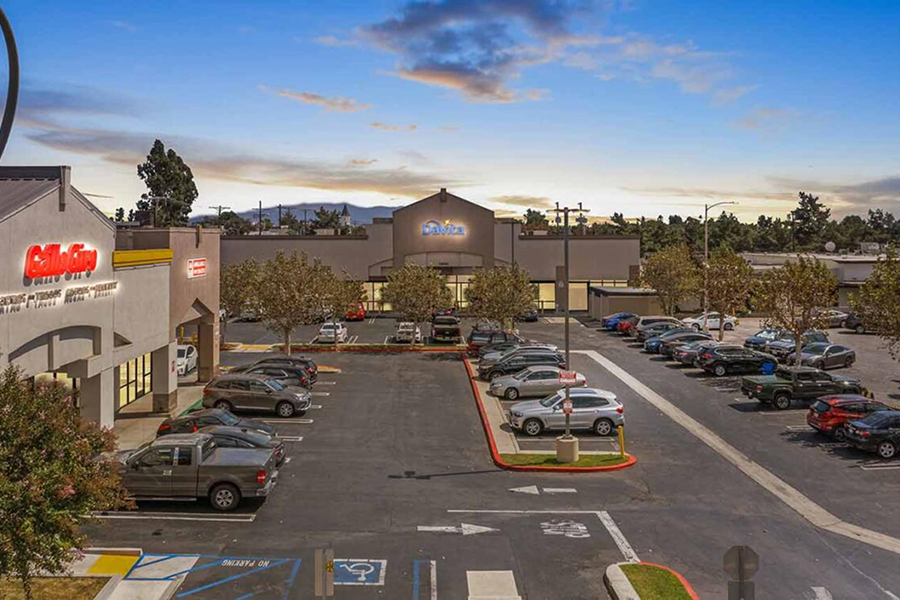
shopping center security camera installation

Shopping Centers

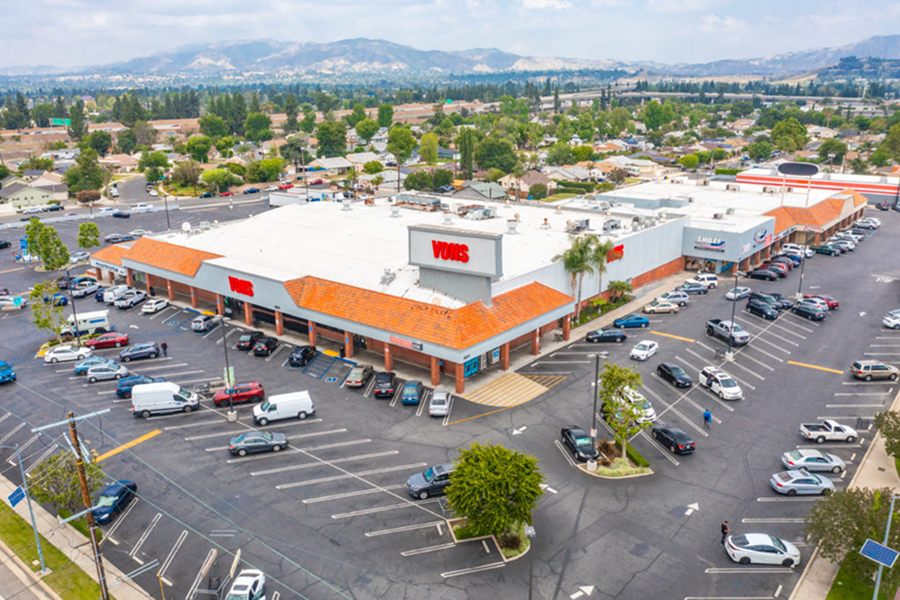
Shopping centers often need a mix of coverage for storefronts, entries, parking, service corridors, and rear approaches where the camera type has to match the zone.

office building security camera installation

Office Buildings

Office buildings usually need cleaner public-facing coverage at lobbies, side entries, parking areas, and controlled-access points that all behave differently.

parking lot security camera installation

Parking Lots

Parking lots often need a combination of fixed cameras, better nighttime detail, and recorder planning that makes vehicle and pedestrian activity easier to review later.

Industrial Properties

Industrial properties often benefit from face recognition NVRs when the camera count, yard coverage, and retention needs are too heavy for a simpler recorder setup.

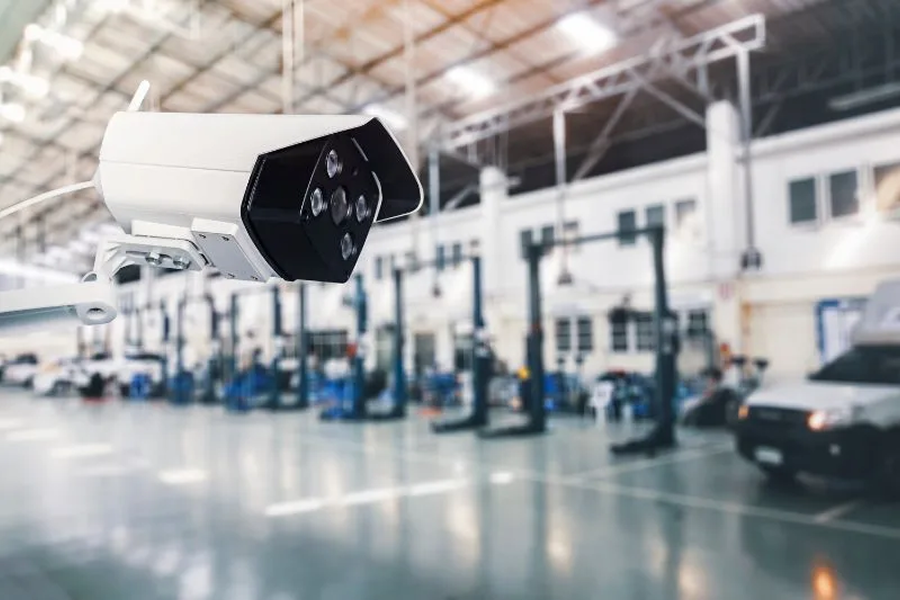
warehouse security camera installation

Warehouses

Warehouse camera systems usually need a practical mix of dock, aisle, office-entry, and yard coverage where each camera type solves a different problem.

distribution center security camera installation

Distribution Centers

Distribution centers often need wider camera counts, stronger recording plans, and cleaner infrastructure because the site stays active across several risk zones at once.

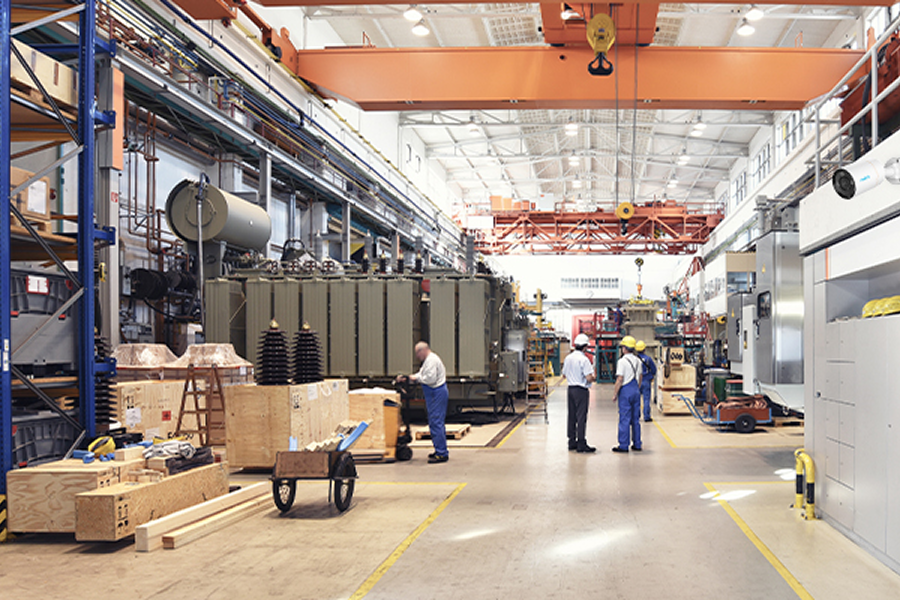
manufacturing plant security camera installation

Manufacturing Plants

Manufacturing properties usually need systems that can cover exterior yards, staff entrances, loading lines, and process areas without forcing every zone into the same camera style.

Residential Properties

Residential jobs use these recorders more selectively, usually on larger estates or compounds where the camera count and review expectations are much higher than a simple home setup.

single family home security camera installation

Single-Family Homes

Single-family homes often benefit from a simpler camera mix focused on driveways, entries, side yards, garages, and the approach paths owners care about most.

luxury property security camera installation

Luxury Properties

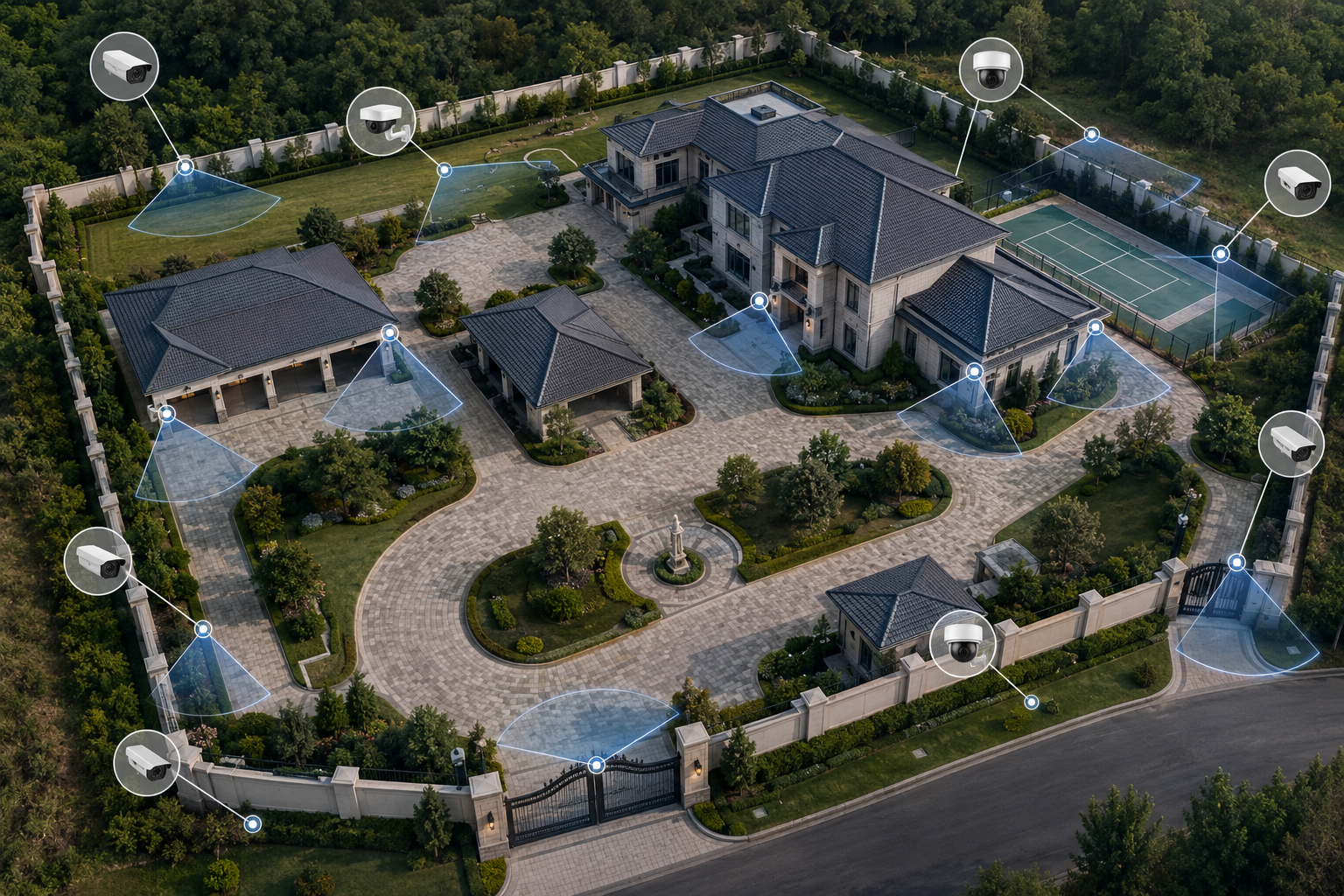
Luxury properties often need a more layered system with cleaner aesthetics, broader perimeter visibility, and support for gates, guest areas, and remote monitoring.

compound security camera installation

Compounds

Compounds usually need a broader camera plan because the system has to cover longer drive lanes, inner courtyards, detached structures, and multiple approach points.

Recommended Face Recognition NVRs

Use these recorder options to show how channel count, storage strength, and support infrastructure are matched to the job instead of guessed after the cameras are already in place.

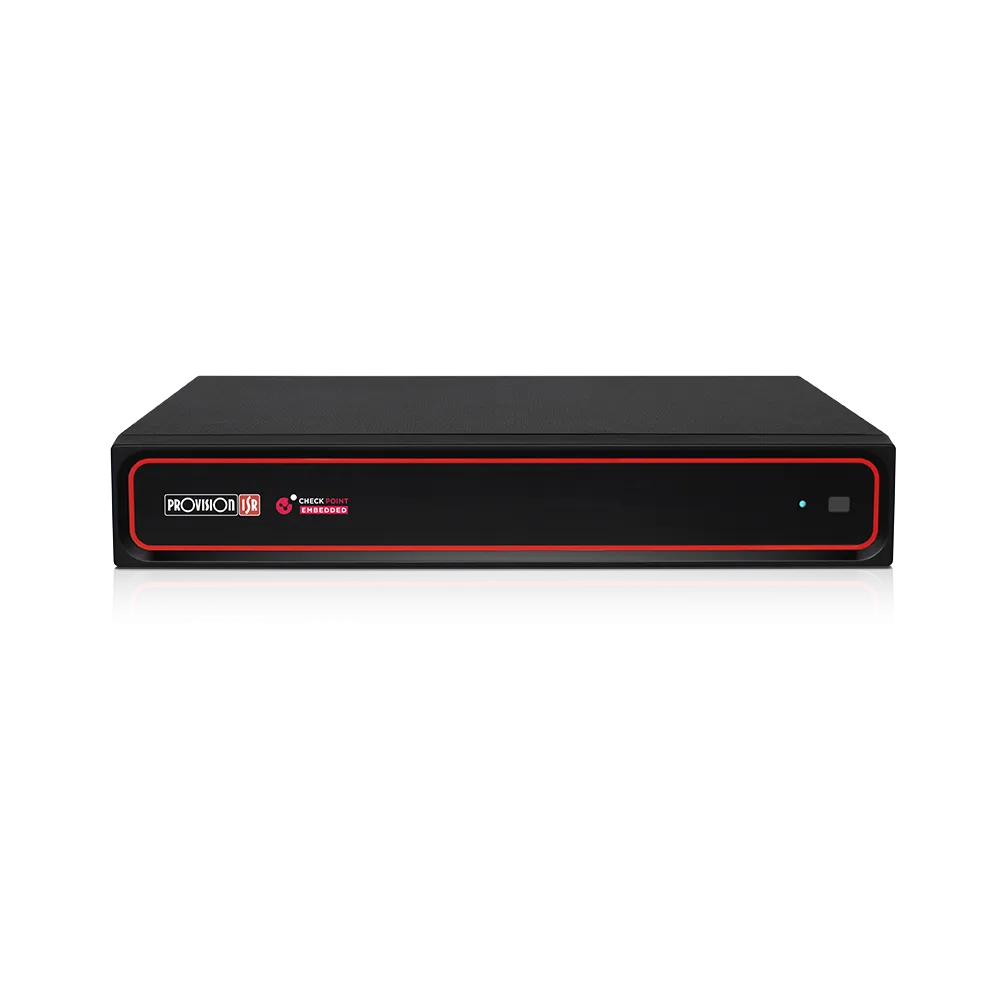
32-channel 8MP face recognition NVR

32CH 8MP Face Recognition NVR

A practical recorder for mid-size systems that need more organized event review, stronger storage options, and room for analytics-friendly camera layouts.

  • 32-channel fit
  • Face recognition workflow
  • RAID support
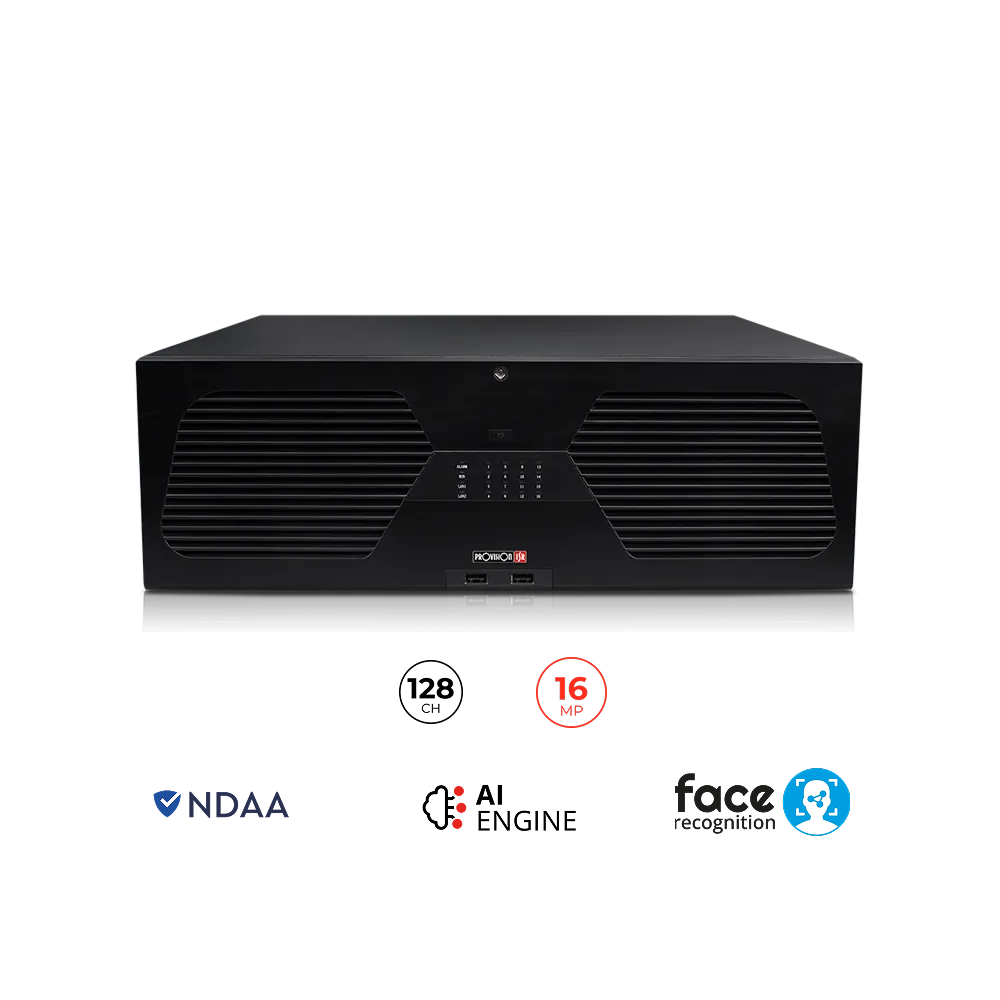
128-channel 16MP face recognition NVR

128CH 16MP Face Recognition NVR

Built for larger systems where the camera count, retention demands, and site complexity need a stronger recorder platform.

  • Large system recorder
  • Higher channel count
  • Better fit for bigger jobs
16-channel NDAA-compliant smart NVR

16CH NDAA-Compliant Smart NVR

A useful support option when the site needs a smaller but still well-organized recorder layout around a focused camera count.

  • Smaller system fit
  • Centralized recording
  • Useful on tighter camera counts
52-port gigabit PoE switch

52-Port Gigabit PoE Switch

A strong support component when the recorder is serving a larger camera count and the property needs more organized power and uplink planning.

  • Larger switch
  • Higher device count
  • Good fit with bigger recorders
equipment racks and cable management

Equipment Racks and Cable Management

Face recognition NVRs work better when the rack, patching, and service layout stay organized instead of getting improvised later.

  • Cleaner racks
  • Serviceable layout
  • Better equipment organization
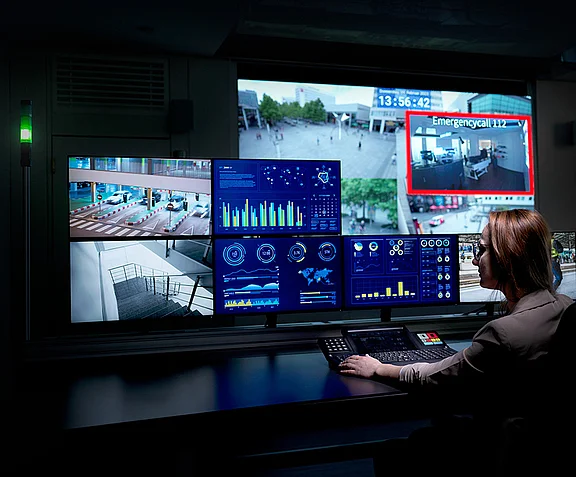
monitor stations for CCTV systems

Monitor Stations

Helpful when the property also needs practical on-site playback, review, or operator viewing around the recorder system.

  • On-site review support
  • Useful for operator stations
  • Pairs well with larger NVRs

System design checklist

Recorder sizing

Use a face recognition NVR when the channel count, footage volume, and review expectations need more than a simple recorder setup.

Camera and recorder match

Make sure the recorder fits the actual camera plan, not just a generic channel count on paper.

Rack, PoE, and power support

Keep the NVR supported by clean switching, organized racks, and backup power so the storage side stays reliable over time.

Request a system walkthrough and installation quote.

Frequently asked questions

What are face recognition NVRs used for?

Face recognition NVRs are usually used on larger or smarter camera systems where the owner wants better event review, stronger storage planning, and a more organized recorder-side workflow.

Do face recognition NVRs replace the cameras?

No. The NVR is only one part of the system. It still depends on the camera mix, the PoE switching, the low-voltage work, and the way the property actually uses the footage after installation.

When does a property need a larger face recognition NVR?

Usually when the camera count grows, the retention needs get heavier, or the owner needs a stronger review workflow than a smaller recorder can handle comfortably.

Do face recognition NVRs need racks and power backup?

In many cases, yes. Larger recorders usually benefit from cleaner rack planning, power backup, organized cabling, and a switch layout that keeps the whole system easier to manage.

Call Us Now Request a FREE Quote