If you manage a commercial property in Los Angeles, security cameras are no longer a nice-to-have. Between theft, liability claims, and rising insurance requirements, a professional commercial security camera installation is now part of doing business.
This guide walks through what Los Angeles property owners, managers, and tenants should know before installing or upgrading a commercial CCTV system.
Why Commercial Security Cameras Matter In Los Angeles
Los Angeles commercial properties face a few unique challenges:
- High foot traffic and vehicle traffic
- Frequent after-hours activity in parking lots and alleys
- Mixed-use properties with multiple tenants and shared spaces
- Pressure from insurance carriers to document incidents
A professionally designed commercial CCTV system helps you:
- Reduce shrink and theft in retail stores and shopping centers
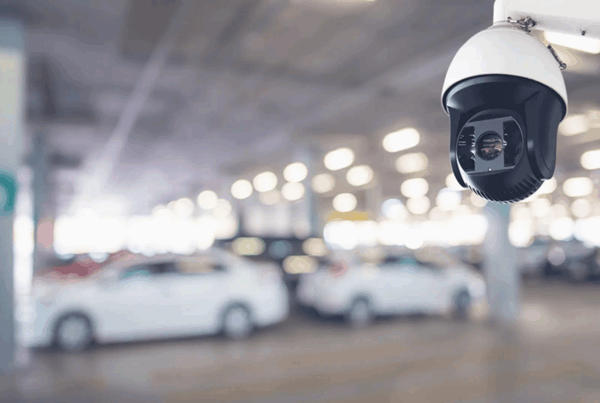
- Document slip-and-fall or parking lot incidents with parking lot security cameras
- Support HR and safety investigations in office buildings and warehouses
- Deter loitering, vandalism, and break-ins across your property
Step 1: Define Your Commercial Property Type
The best system design depends on what type of property you are securing:
- Retail stores and shopping centers
- Office buildings and business parks
- Warehouses and industrial facilities
- Apartment and condo communities
- Hotels and hospitality
- Restaurants and bars
- Car dealerships
Each of these has different priorities: cash registers and entrances, docks and loading bays, parking lots and garages, or sensitive areas like server rooms and medication closets.
Step 2: Map The Critical Coverage Areas
Before talking about cameras, list the areas where incidents actually happen:
- Exterior: entrances, exits, parking lots, loading docks, alleys
- Interior: lobbies, hallways, stairwells, elevators, shared restrooms
- High-risk: cash wraps, safes, inventory rooms, server rooms, mail rooms
A good surveillance system design is built around coverage, not just how many cameras you can fit into the budget. Start with:
- Overview cameras for general activity
- Detail cameras for faces and plates, including LPR cameras for license plate capture
- Specialty cameras (PTZ, low-light) where needed
Step 3: Choose The Right Commercial-Grade Cameras
For commercial security cameras in Los Angeles, focus on:
- Resolution: at least 4MP or 4K IP cameras in high-risk and parking areas
- Low-light performance: outdoor security cameras with color at night or strong IR for dark lots
- Weather rating: outdoor cameras with proper housings and mounts
- Vandal resistance: dome housings and protected conduit
- Analytics: line crossing, intrusion alerts, people counting, and more
Many Los Angeles businesses are moving to IP camera systems for better image quality, remote access, and future-proofing.
Step 4: Recording, Storage, And Retention
Most commercial clients now expect:
- NVRs with at least 30 days of recording (more for higher-risk sites)
- Redundant storage using professional NVR and DVR systems
- Secure remote access for owners, managers, and security staff
- Separate user logins and permissions per tenant or department
If your insurance or internal policy requires longer retention, plan for extra storage during the design phase instead of trying to bolt it on later.
Step 5: Compliance, Privacy, And Signage
In California, commercial camera installations must respect privacy and applicable laws. That generally means:
- No cameras in restrooms, locker rooms, or designated private areas
- Clear, visible signage indicating video surveillance
- Limited access to recordings based on role
- Secure storage and access logs for critical facilities
Step 6: Professional Commercial Security Camera Installation
A true commercial install in Los Angeles should include:
- Site walk-through and camera layout
- Structured cabling and low-voltage installation
- Professional mounting and weatherproofing
- Network configuration and remote security camera access
- User training for managers and staff
- Ongoing service and support
A cheap, DIY system may work for a small home. For a commercial building, office, or shopping center, a professional CCTV installation in Los Angeles protects your investment and reduces headaches down the road.
Ready To Upgrade Your Commercial Security Cameras?
If you manage a commercial property in Los Angeles and need a security camera installation that actually works in real-world conditions, schedule a site visit.
- Learn more about our commercial CCTV security camera installation services
- See sample footage in our security camera sample footage gallery
- Or go straight to our request a security camera installation quote page